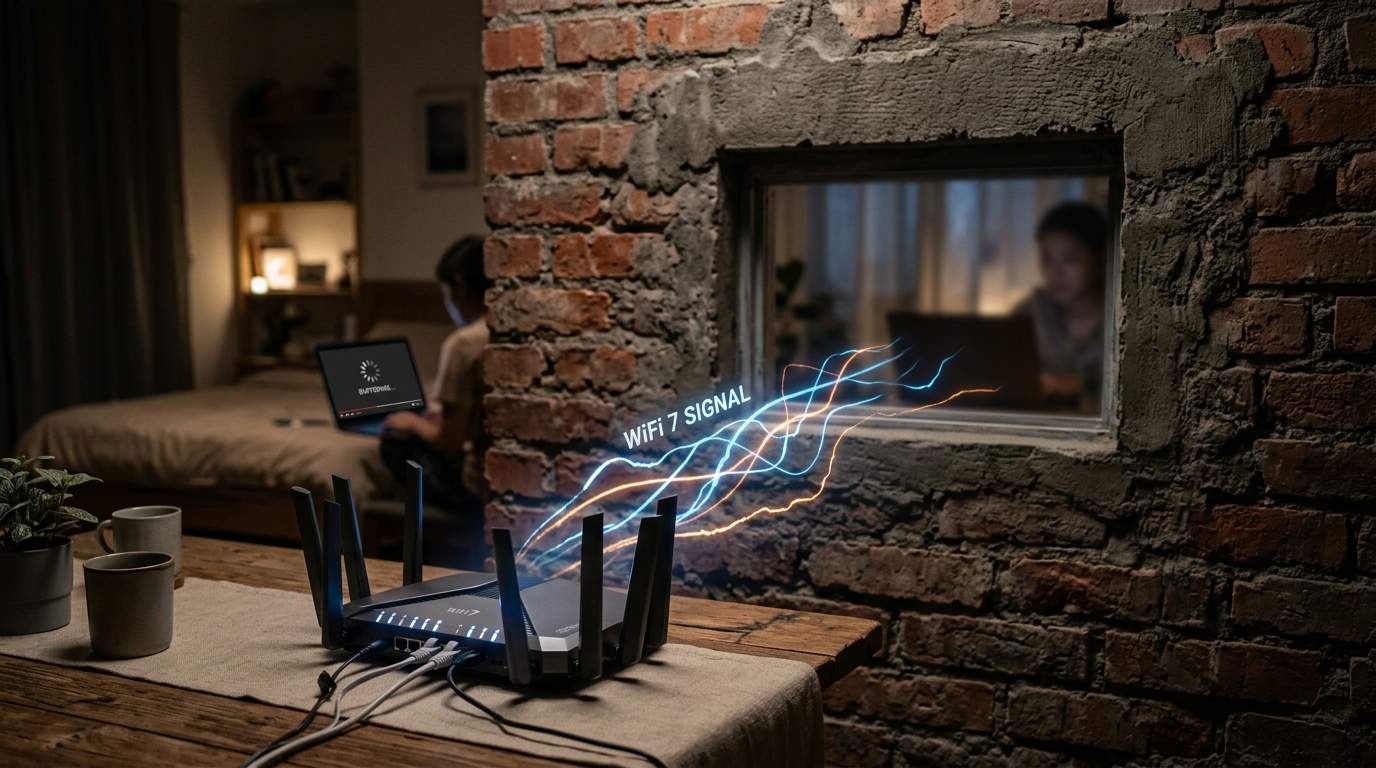
Imagine this: you've shelled out good money for gigabit internet, even bought one of those "beast mode" Wi-Fi 6 routers that promised to solve all your digital woes. Yet, that binge-watching session in the bedroom still buffers like it's 2005, your critical video call from the home office sounds like a robot gargling, and your smart fridge in the kitchen thinks it's disconnected from the world. Your phone proudly displays full Wi-Fi bars, mocking you as the data trickles, not gushes. This isn't a glitch in the Matrix; it's the exasperating reality for far too many of us, proving that a "powerful" router, by itself, is often a performance lie.
E.g. :The Invisible Chains: Is "Free" Digital Data Crafting a New Feudalism?
- 1、The Gigabit Dream vs. Wi-Fi Reality: Unmasking Your Router's Limits
- 2、Beyond the Single Box: Reaching Every Corner with Home Wi-Fi Optimization
- 3、Turbocharging Your Network: The Power of Ethernet Backhaul
- 4、Not Just Your Router: Device Limitations and Wireless Network Performance
- 5、Choosing Your Path to Flawless Connectivity: A Practical Guide
The Gigabit Dream vs. Wi-Fi Reality: Unmasking Your Router's Limits
For years, marketing told us: faster internet, better router, problem solved. But the truth is, your home network isn't just about raw speed at the source. It's a complex dance of signals, walls, and distance. You've got that Ferrari of an internet connection, and a top-tier Wi-Fi 6 router, but the signal often can’t even reach your living room at full throttle. Why? Because physics, my friends, always wins.
Why "Powerful" Isn't Enough: Decoding Wireless Obstacles
Think of your router's signal like a shout across a crowded room. In an open-plan studio apartment, it's heard loud and clear. But in a multi-story house with concrete walls and appliances humming, that shout gets muffled, distorted, or simply doesn't reach the back bedroom. Standard building materials like brick and concrete can reduce Wi-Fi signal strength by a staggering 25-50% per wall. Even drywall takes a toll. Add in interference from your microwave, cordless phones, or your neighbor's Wi-Fi, and that "powerful" signal quickly becomes a whisper. Your expensive router, while technically capable of high speeds, can only transmit so far and penetrate so much before it effectively hits a "dead zone" where speed plummets.
Beyond the Single Box: Reaching Every Corner with Home Wi-Fi Optimization
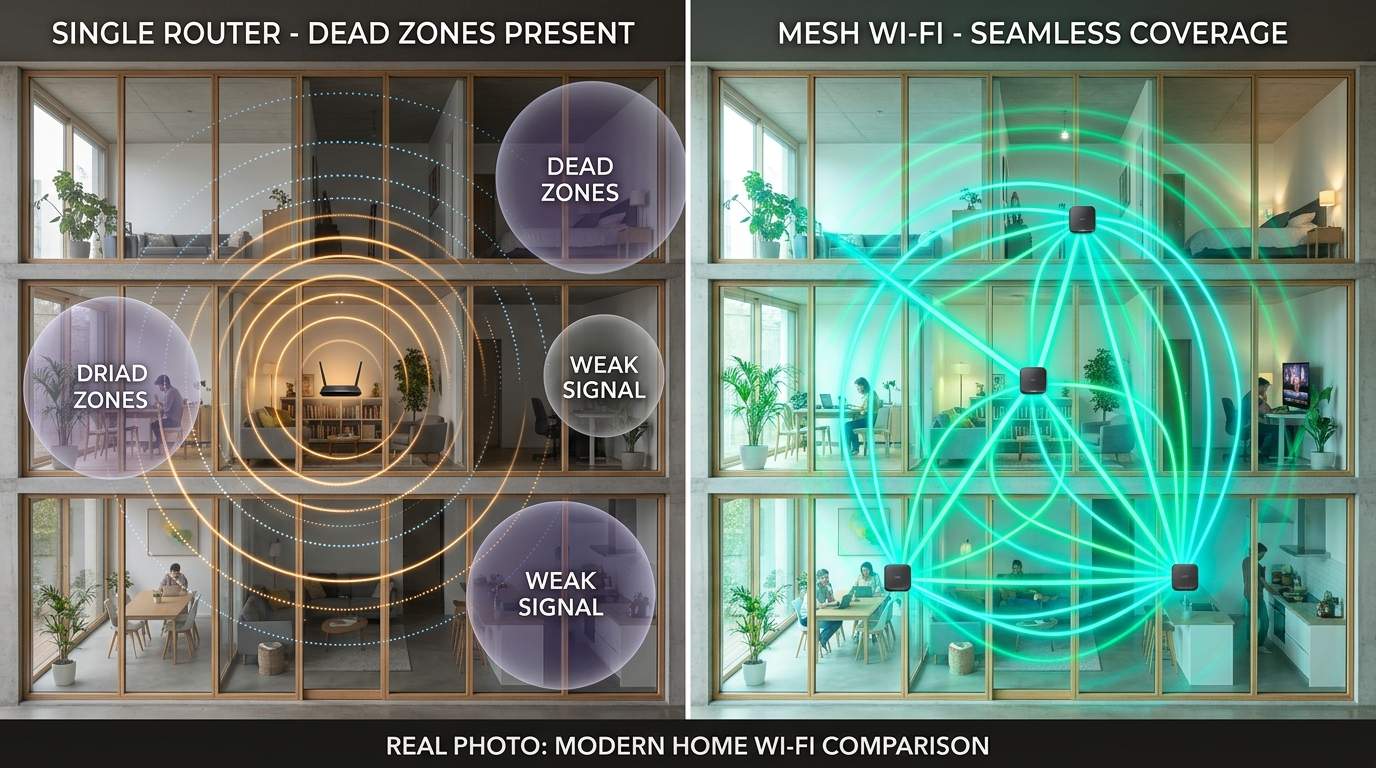
This is where the "efficiency mentor" in me steps in. The solution isn't always throwing more money at a single, bigger router. It's about optimizing your entire home network for consistent coverage and speed. For most modern homes, especially those over 1,500 square feet or with multiple floors, a single centralized router is simply inadequate.
Mesh Wi-Fi: The Smart Way to Blanket Your Home
Enter the mesh Wi-Fi system – a true game-changer for comprehensive home Wi-Fi optimization. Instead of one powerful box, a mesh system uses multiple smaller devices, called nodes, that work together seamlessly to create a single, unified network. Imagine an invisible network of digital stepping stones, extending your Wi-Fi from room to room, floor to floor. When properly set up, these systems can eliminate dead zones entirely, delivering up to 80% better coverage than a single high-end router in larger homes. You walk from the kitchen to the bedroom, and your device automatically switches to the strongest mesh node without missing a beat, ensuring your video call stays crisp and your stream uninterrupted.
Turbocharging Your Network: The Power of Ethernet Backhaul
While mesh systems are fantastic, they truly shine when you employ an "Ethernet backhaul setup." This simply means connecting your mesh nodes to each other (or to your main router) using good old network cables. Why does this matter? Because while mesh nodes can talk to each other wirelessly, a wired connection is like giving them their own private, high-speed highway. It offloads traffic from the wireless airwaves, drastically improving overall wireless network performance, especially for demanding tasks like 4K streaming or large file transfers between devices. If you've got the option to run cables through your walls or use existing wiring, it's a monumental upgrade that transforms good Wi-Fi into great Wi-Fi.
Not Just Your Router: Device Limitations and Wireless Network Performance
It’s crucial to remember that your Wi-Fi experience isn't solely determined by your router. Even with a perfect mesh system, an old smartphone or laptop might only support older Wi-Fi standards (like Wi-Fi 4 or 5), limiting its individual speed. Similarly, too many devices simultaneously hogging bandwidth – say, a dozen smart home gadgets, three streaming TVs, and two video calls – can still strain any network. Understanding these limitations helps you set realistic expectations and troubleshoot effectively. Sometimes, simply upgrading an old device's wireless adapter or spreading high-bandwidth tasks can make a noticeable difference in your wireless signal strength across the board.
Choosing Your Path to Flawless Connectivity: A Practical Guide
So, what should you buy? If you live in a small apartment or an open-plan space under 1,000 square feet, a single, modern Wi-Fi 6 router might still serve you well. It's simpler and more budget-friendly. However, for anyone grappling with router dead zones in a larger home, multi-story residence, or a layout with thick walls, a mesh Wi-Fi system is almost certainly your best "slow wifi fix." Invest in one that allows for Ethernet backhaul if possible. It’s a higher initial cost, but the peace of mind from reliable, fast Wi-Fi everywhere in your home is invaluable. Remember, technology should simplify, not complicate, your life. Choose smart, not just powerful.