You just dropped a small fortune on the shiny new Wi-Fi 7 router, convinced it's the silver bullet for your home office nightmares. No more frozen faces on Zoom, no more stuttering during that critical presentation. You even bragged to your spouse about "future-proofing" the network. But here you are, buffering still rampant, especially in that dreaded corner office, leaving you with a crushing mix of disappointment and buyer's remorse.
E.g. :Generative AI's Unseen Toll: Is 'Free' Creativity Truly Free?
- 1、The Wi-Fi 7 Hype: Beyond Raw Speed Claims
- 2、Router Placement: The Unsung Hero of Home Wi-Fi
- 3、The Invisible Battle: Wireless Interference and Your Devices
- 4、When Mesh Wi-Fi Systems Outperform Single Routers
- 5、Beyond Wi-Fi: The Power of Wired Connections
Sound familiar? It’s not just you. The tech world constantly whispers sweet nothings about the next big Wi-Fi standard or lightning-fast ISP speeds, implying they’re magic fixes. We’re led to believe that a bigger number on the box automatically means a smoother experience. The truth? Often, it doesn't. And that expensive upgrade might have been an unnecessary or even ineffective first step.
The Wi-Fi 7 Hype: Beyond Raw Speed Claims
Let's be clear: Wi-Fi 7, or 802.11be, is technically a marvel. It promises incredible theoretical speeds, lower latency, and significantly more capacity than its predecessors like Wi-Fi 6E. We're talking multi-gigabit throughput designed to handle an absurd number of devices and bandwidth-hungry applications like 8K streaming or VR gaming.
Understanding Wi-Fi Standards and Home Network Bottlenecks
Think of it like this: upgrading to a Wi-Fi 7 router is like buying a Formula 1 race car. It’s incredibly fast. But if your home network is a winding, pothole-filled dirt road, that race car won't win any races. The theoretical top speed of Wi-Fi 7 (often quoted around 46 Gbps) is rarely, if ever, achieved in a real-world home. Why? Because the bottleneck often isn't the Wi-Fi standard itself, but everything else around it. Most home users aren't even maxing out their existing Wi-Fi 6 or even Wi-Fi 5 connections. Your actual internet service provider (ISP) speed, device capabilities, and the physical layout of your home are usually the bigger culprits.

Router Placement: The Unsung Hero of Home Wi-Fi
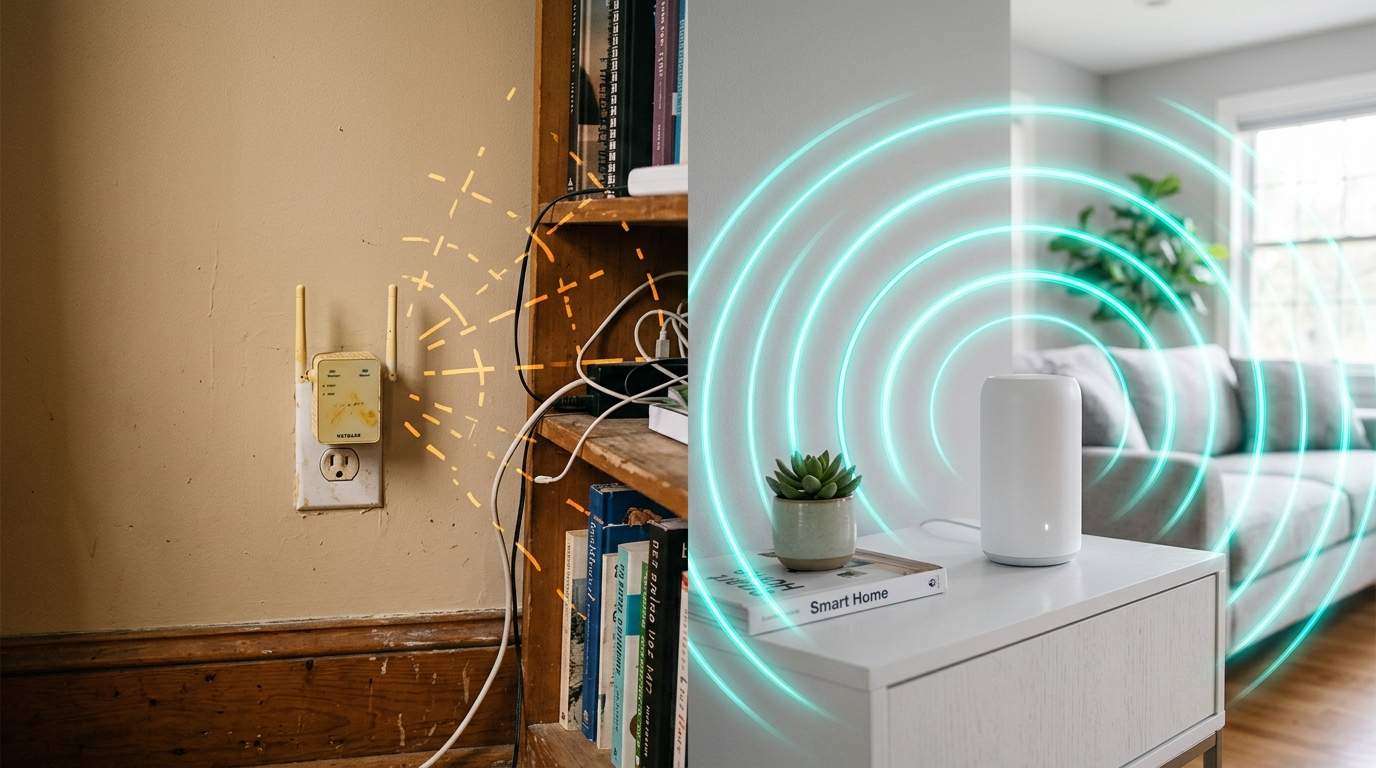
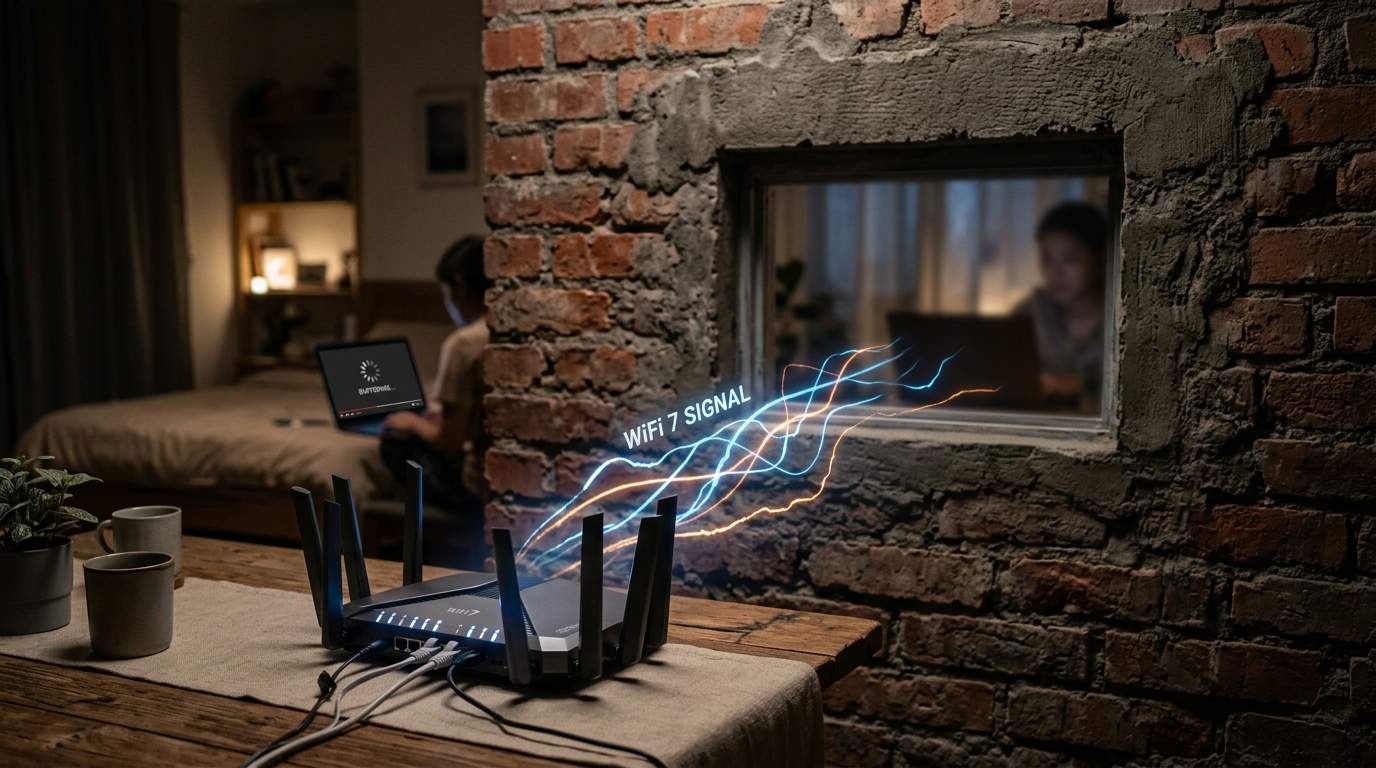
You've got this super-powered Wi-Fi 7 router, but where is it? Tucked away in a dusty closet? Buried behind a stack of books in the office? That's like whispering to someone from across a concrete bunker and expecting a clear conversation. Every wall, every closed door, every major appliance acts like a signal dampener, absorbing or reflecting your Wi-Fi signal.
Studies show that simply placing a router behind a single brick wall can cut your signal strength by 20-30%. Two walls? You're looking at a 50% drop. If your router is fighting through multiple floors and dense materials to reach your home office, even Wi-Fi 7's advanced signal processing will struggle. The simplest, cheapest, and most effective upgrade you can make might be moving your router to a central, elevated, and unobstructed location.
The Invisible Battle: Wireless Interference and Your Devices
Even with perfect placement, your Wi-Fi signal is in a constant, invisible battle. Microwaves, cordless phones, baby monitors, Bluetooth devices, and even your neighbors' Wi-Fi networks are all vying for airtime. Imagine trying to have a clear phone call in a crowded stadium – that's your Wi-Fi signal trying to cut through interference.
Optimizing Your Network Channels for Clearer Signals
The 2.4GHz band, while offering wider range, is particularly susceptible to this electronic cacophony. The 5GHz and newer 6GHz bands on Wi-Fi 6E and Wi-Fi 7 offer cleaner air and higher speeds but come with shorter range. If your video calls keep cutting out precisely when someone heats up lunch, you've likely found a prime suspect. Using a Wi-Fi analyzer app (many are free) can help you identify less congested channels, giving your network a much clearer path to communicate. Many modern routers also offer Quality of Service (QoS) settings, allowing you to prioritize critical activities like video calls over, say, a background game download.
When Mesh Wi-Fi Systems Outperform Single Routers
For larger homes, multi-story houses, or homes with peculiar layouts (like that dreaded corner office), a single, powerful router often isn't enough to provide consistent coverage. This is where mesh Wi-Fi systems shine. They consist of multiple access points that work together to create a single, unified network, essentially extending your Wi-Fi's reach without the signal degradation of traditional extenders.
If your problem is a dead zone in your office, a mesh system is probably a better investment than a bleeding-edge, single Wi-Fi 7 router. The seamless roaming between nodes ensures your device always connects to the strongest signal. However, mesh systems can be more expensive and still require smart placement of each node to avoid creating new bottlenecks. They also introduce the potential for more "hops" between your device and the main router, which can add a tiny bit of latency if not configured optimally.
Beyond Wi-Fi: The Power of Wired Connections
Here’s a radical thought: if it doesn't move, wire it. For your main home office computer, your smart TV, or a gaming console, a simple Ethernet cable provides unmatched stability, speed, and incredibly low latency. It completely bypasses all the wireless interference issues we've discussed.
While less glamorous, a wired connection is the gold standard for mission-critical devices. You could have the most advanced Wi-Fi 7 router on the planet, but a direct gigabit Ethernet connection will still provide a more reliable and consistent experience for your most important devices. A 10-meter CAT6 Ethernet cable costs less than a decent cup of coffee and often delivers more tangible performance benefits for a home office desktop than a multi-hundred-dollar router upgrade.
In the end, chasing the highest number on a Wi-Fi standard is often a costly distraction. Being an "efficiency mentor" for your own network means understanding its unique environment. Before you buy the next "fastest ever" device, analyze your home, optimize your setup, and only then consider whether an upgrade truly serves your needs. Let technology return to serving the essence of mankind: clear, uninterrupted connection.