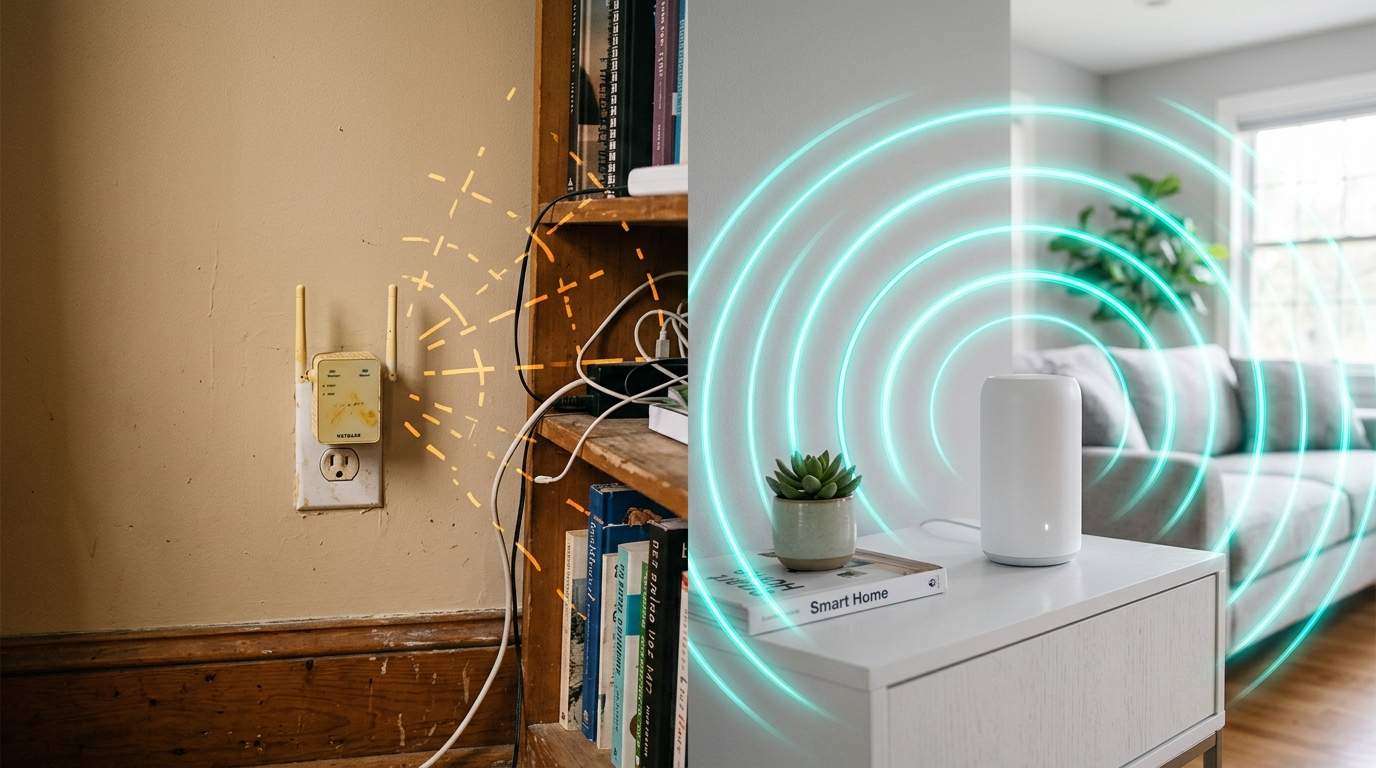
You did it. You walked into the electronics store, saw the gleaming "Wi-Fi 7" sticker, the promise of "unprecedented speeds," and imagined a home where buffering was a forgotten nightmare. You paid the premium, brought the beast home, set it up with high hopes... only to find your Netflix still pixelates in the bedroom, your smart lights flicker in the kitchen, and your crucial video calls drop with infuriating regularity from the home office just two rooms away. Sound familiar? You’re not alone.
E.g. :Driverless Dreams: Who Bears the Unseen Price Tag of AI's Flaws?
- 1、Wi-Fi 7 Router Promises: Why Speed Alone Won't Fix Your Home Wi-Fi
- 2、Decoding Your Home's Wi-Fi Dead Zones: Router Placement & Interference
- 3、The Smart Solution: Seamless Mesh Wi-Fi Coverage for Every Corner
- 4、Boost Your Wi-Fi Signal: Practical Power of Access Points
- 5、Beyond Raw Numbers: Prioritizing Consistent Wi-Fi Performance
In a world drowning in digital distractions and "next-gen" gadgets, it’s easy to believe that throwing more money at the latest spec sheet will solve all your problems. As a veteran in hardware, I’m here to tell you that when it comes to home Wi-Fi, raw power and the newest standard are often just one piece of a much larger, more frustrating puzzle. It's time to become an efficiency mentor for your own network.
Wi-Fi 7 Router Promises: Why Speed Alone Won't Fix Your Home Wi-Fi
Let's clear the air: Wi-Fi 7 is incredibly fast. In a perfect, unobstructed lab environment, it can indeed deliver eye-watering gigabit-plus speeds. But your home isn't a lab. Think of it like buying a Ferrari to navigate rush hour. The car is capable of blistering speeds, but the urban jungle, with its traffic and stoplights, dictates your actual velocity. Your expensive Wi-Fi 7 router, while powerful, is similarly constrained by the architecture of your living space.
The marketing hype often focuses on the theoretical maximum speed, but that number is achieved under ideal conditions, usually line-of-sight and close proximity. The real game-changer isn't peak speed at the source, but rather consistent, usable speed in every corner of your domain. Many users mistakenly believe a single, powerful router can simply blast through concrete and steel, which leads to widespread frustration and persistent Wi-Fi dead zones.
Decoding Your Home's Wi-Fi Dead Zones: Router Placement & Interference
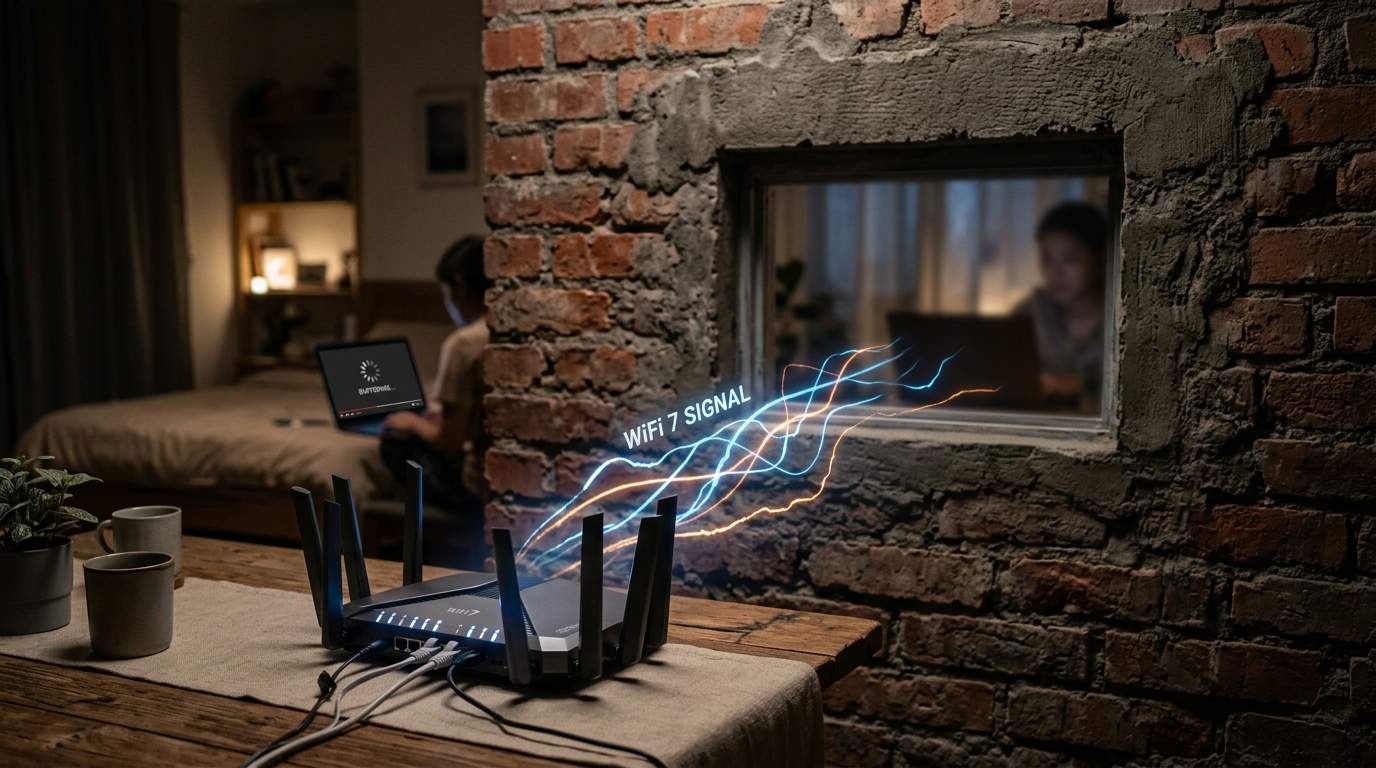
Your home is a battlefield for Wi-Fi signals. Every wall, every appliance, every mirror is a combatant. A standard drywall interior wall can reduce signal strength by 10-20%. A thicker brick or concrete wall? Expect a brutal 40-70% drop, sometimes more. Even your microwave oven, while cooking your popcorn, can momentarily interfere with your 2.4GHz Wi-Fi. It’s like trying to have a conversation through a dozen closed doors – no matter how loud you shout, the message gets muddled.
This is where router placement becomes your first, free, and often most impactful "upgrade." Sticking your multi-antenna, space-age router in a cabinet, behind the TV, or in the basement corner is like putting a super-powerful speaker in a soundproof box. The signal has to fight its way out before it even begins to cover your home. Central, elevated placement, away from major appliances and metal objects, is always your best starting point. But even then, for many homes, a single point of origin simply isn't enough.
The Smart Solution: Seamless Mesh Wi-Fi Coverage for Every Corner
For years, the answer to Wi-Fi dead zones was "range extenders," which often just re-broadcasted a weaker, slower signal. Then came the true game-changer: Mesh Wi-Fi systems. Imagine your home network not as a single commander, but as a squad of well-coordinated soldiers. Mesh systems use multiple "nodes" placed strategically around your home, all working together under one network name (SSID). Your devices automatically connect to the node with the strongest signal as you move, making your Wi-Fi feel truly seamless.
Consider a multi-story house or a sprawling ranch-style home. A single router in the living room might cover that space adequately, but the upstairs bedrooms or the detached garage for your smart workshop tools will be left out in the cold. A mesh system, with nodes placed on different floors or in distant wings, ensures that your video calls from the home office, streaming in the kids' rooms, and smart security cameras all maintain a robust connection. The beauty is in the collective strength, not just one powerful individual.
Unleashing Full Speed: The Unsung Hero of Ethernet Backhaul
While Mesh Wi-Fi offers fantastic wireless convenience, there's a secret weapon for ultimate performance: Ethernet backhaul. This means physically connecting your mesh nodes to each other via an Ethernet cable. Think of it as creating superhighways between your Wi-Fi soldiers, rather than relying on potentially congested wireless paths. This dedicated wired connection between nodes ensures maximum speed and minimal latency, especially critical for high-bandwidth activities.
For instance, if your partner is video conferencing from the home office, your teenager is streaming 4K HDR in their room, and you're downloading a large game update simultaneously, an Ethernet backhauled mesh system handles this traffic with grace. Without it, even a mesh system might struggle with congestion between its own nodes, introducing bottlenecks that negate the benefit of your super-fast Wi-Fi 7 devices. If you have the option to run a few cables, it's often the best investment for robust, future-proof home networking.
Boost Your Wi-Fi Signal: Practical Power of Access Points
For specific, targeted dead zones, or if you already have Ethernet wiring throughout your home, dedicated Access Points (APs) are a highly effective and often more budget-friendly solution than a full mesh system. An AP is essentially just the Wi-Fi broadcasting part of a router, without the routing functions. You connect it to your main router via an Ethernet cable, and it extends your Wi-Fi network into its immediate vicinity.
This is ideal for extending Wi-Fi to a specific area like a basement entertainment room, a sunroom, or a detached office shed where you already have an Ethernet drop. It provides a dedicated, high-speed Wi-Fi bubble without the overhead of a full mesh network. While it doesn't offer the seamless roaming benefits of a mesh system out-of-the-box (though modern client devices are smart enough to switch APs efficiently), it offers powerful, stable Wi-Fi where you need it most, without breaking the bank.
Beyond Raw Numbers: Prioritizing Consistent Wi-Fi Performance
Ultimately, the goal isn't to hit a theoretical 10 Gbps on your Wi-Fi 7 router's packaging; it's to have a stable, responsive 50-100 Mbps (or more, depending on your internet plan) where you actually live and work. A network that delivers 1000 Mbps at the router but only 5 Mbps in your bedroom is effectively a 5 Mbps network for that critical space. A system that delivers a consistent 80-150 Mbps everywhere, reliably and without dropouts, is infinitely more valuable.
So, before you chase the next "super router," take a hard look at your home's layout, material, and your actual usage patterns. Invest in architecture, not just brute force. Whether it’s strategic router placement, a multi-node Mesh Wi-Fi system (especially one with Ethernet backhaul), or a few well-placed Access Points, understanding the physics of Wi-Fi and how to properly distribute your signal will bring true digital peace of mind. Let technology truly serve you, not just impress you with big numbers on a box.