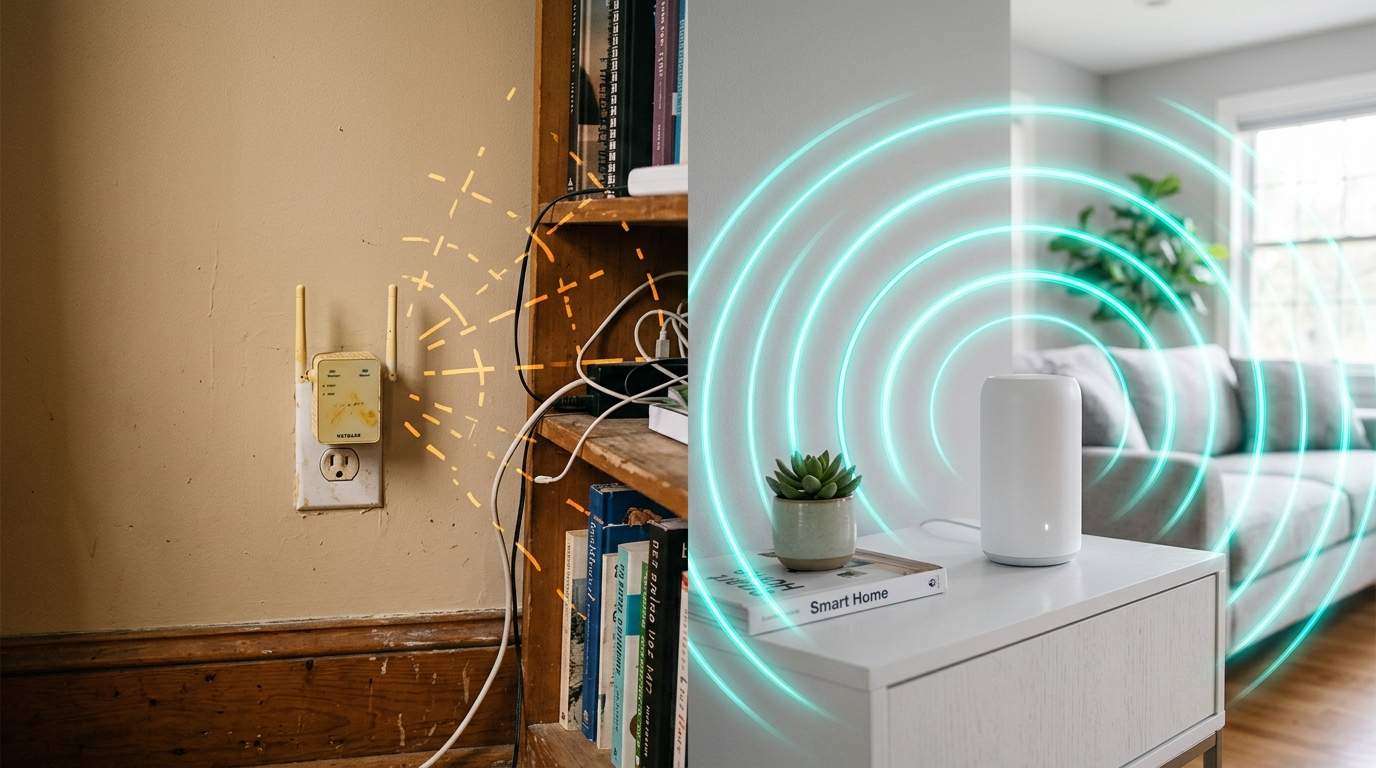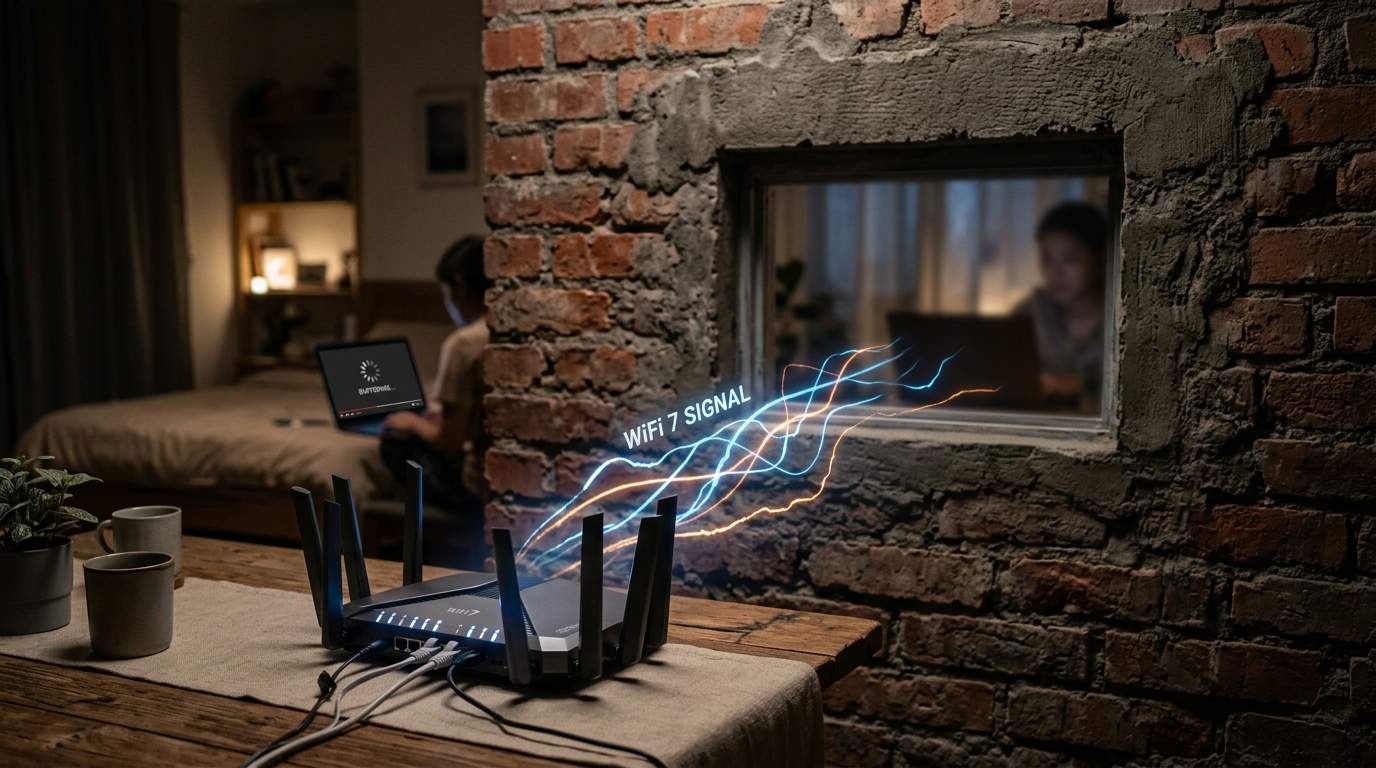
You’re stuck in a virtual meeting in your home office, or mid-boss fight in your game, and suddenly everything freezes. You glance at your Wi-Fi extender, its lights glowing, promising a strong signal, yet your video call just dropped for the third time this hour. You bought it to kill the dead zone, but now it feels like your whole network is more temperamental than ever. Sound familiar? This isn't just a glitch; it’s a symptom of a widespread misunderstanding about how these "signal boosters" actually work, often turning a good intention into a source of digital frustration and wasted cash.
E.g. :Why Your Blazing Fast Internet Still Feels Broken: Blame the Router, Not the Bill
- 1、The Extender Trap: Why Your "Signal Booster" Lies
- 2、Beyond the Blinking Lights: Real-World Frustrations
- 3、Pinpointing Your Real Wi-Fi Problem: It's Not Always the Signal
- 4、The Path to True Home Network Harmony: Smarter Solutions
- 5、Mesh Wi-Fi: Building a Seamless Digital Highway
- 6、Powerline & Ethernet Backhaul: When Wires Still Win
The common wisdom whispered around the neighborhood is that a Wi-Fi extender is the magic pill for any home network dead zone. Just plug it in, and presto – strong signal everywhere! But here’s the unvarnished truth from someone who’s seen countless circuits and global supply chain nightmares: most Wi-Fi extenders are actually lying to you. They don't boost your speed; they often create a bottleneck that chokes your entire network, making your internet experience worse, not better.
The Extender Trap: Why Your "Signal Booster" Lies
Let's cut through the marketing fluff with some human words. A standard Wi-Fi extender operates like a single person trying to translate two conversations at once. It first listens to your main router’s signal, then re-broadcasts that signal. It can’t do both simultaneously. This fundamental limitation means it's spending half its time listening and half its time talking, effectively halving your available bandwidth right off the bat. It’s a digital game of "telephone" where the message gets delayed and distorted.
The Bandwidth Bottleneck Explained
Imagine your internet connection is a two-lane highway. When you connect directly to your router, traffic flows relatively smoothly. Now, an extender takes that two-lane highway and funnels it into a single lane, then back out to another single lane. Even if the signal strength "looks" full, the actual data throughput – the real speed you feel – can plummet by 50% or more. So, while your device sees a strong signal from the extender, it’s like being stuck in bumper-to-bumper traffic on a highway that used to be clear. Real-world tests frequently show that a 100Mbps connection can drop to a mere 30-50Mbps when routed through a typical extender.

Latency: The Unseen Killer of Productivity
Beyond raw speed, there's latency – the annoying delay between when you click something and when it actually happens. With an extender, your data has to make an extra hop, like adding another layover to your flight. This additional step dramatically increases latency. Where a direct connection might give you a snappy 10-20ms ping for gaming or video calls, an extender can easily push that to 70-100ms or even higher. That’s the difference between a seamless virtual meeting and a stuttering, pixelated nightmare.
Beyond the Blinking Lights: Real-World Frustrations
You bought an extender for seamless streaming, crucial video conferences, or uninterrupted gaming. But when your 4K movie buffers every five minutes, or your boss freezes mid-sentence during an important call, the "strong signal" lights on that extender become a cruel joke. The frustration isn't just about speed; it's about reliability. Extenders often create an unstable network, prone to drops and inconsistencies, making critical tasks feel like a roll of the dice.
Pinpointing Your Real Wi-Fi Problem: It's Not Always the Signal
Before you throw your router out the window or declare war on dead zones, understand the root causes. Often, the problem isn’t a lack of raw signal; it's how that signal is being distributed and what's interfering with it.
Router Placement: The First Line of Defense
Many people shove their router into a closet or the corner of their basement. This is like trying to water your entire garden from a single hose hidden under a bush. A router's signal radiates outwards, and physical obstructions like concrete walls, metal appliances, or even fish tanks can dramatically weaken it. Try placing your router in a central, elevated location, away from major obstructions. Sometimes, just moving it a few feet can boost signal strength and quality across your home by 15-20%, no extra hardware needed.
Interference: The Invisible Network Foe
Your Wi-Fi isn’t alone in the air. Cordless phones, microwaves, Bluetooth devices, and even your neighbor's Wi-Fi network are all competing for the same radio frequencies. This "digital noise" can severely degrade your Wi-Fi performance, even if your router is spitting out a strong signal. Most modern routers can operate on both 2.4GHz (longer range, more interference) and 5GHz (faster, shorter range). Understanding which devices should use which band can significantly improve your network's health.
The Path to True Home Network Harmony: Smarter Solutions
So, if extenders are often a digital dead end, what's the actual efficiency-boosting alternative? It boils down to creating a truly unified and robust network, not just boosting a weak link.
Mesh Wi-Fi: Building a Seamless Digital Highway
For most modern homes, especially those with multiple users and high bandwidth demands, a Mesh Wi-Fi system is the game-changer. Imagine multiple Wi-Fi access points strategically placed around your home, all working together as a single, smart network. These "nodes" communicate with each other, often via a dedicated wireless channel (called a backhaul), creating a seamless blanket of fast Wi-Fi. Your devices automatically switch to the strongest signal as you move around, without you ever noticing a drop. A good mesh system can offer 2-3 times the consistent throughput and vastly lower latency compared to an extender setup, making 4K streaming and video calls truly effortless. While the initial investment is higher than a cheap extender, the long-term gains in stability, speed, and peace of mind are invaluable.
Powerline & Ethernet Backhaul: When Wires Still Win
Sometimes, the best solution is to go old school with new tech. For areas where Wi-Fi struggles to penetrate, or for stationary devices like smart TVs or desktop PCs, a wired connection is king.
Powerline Adapters: Using Your Home's Electrical Grid
Powerline adapters are clever devices that use your existing electrical wiring to transmit network data. You plug one adapter into a wall socket near your router and connect it via Ethernet, then plug another adapter into a wall socket in your dead zone. Boom! You now have a wired Ethernet port in that room, offering far more stable speeds and lower latency than any wireless extender. They're a fantastic middle ground when running long Ethernet cables isn't feasible, though performance can vary depending on the quality and age of your home's electrical wiring.
Ethernet Backhaul: The Undisputed Performance Champion
If you can run an Ethernet cable, even just to one or two key areas, do it. Many Mesh Wi-Fi systems also support Ethernet backhaul, meaning the individual mesh nodes can connect to each other (or to the main router) via a physical cable. This frees up wireless airwaves and provides the most robust, low-latency, and high-bandwidth connection possible. This is the gold standard for dedicated gaming rigs, streaming media servers, or critical home office setups.
Making the Smart Choice: Your Efficiency Mentor's Advice
Don't let glowing lights and vague promises fool you. For truly improved internet performance and a better quality of life in your connected home, bypass the Wi-Fi extender. If your current router is struggling, first optimize its placement and check for interference. If dead zones persist, invest in a Mesh Wi-Fi system for seamless coverage, or consider Powerline adapters or direct Ethernet for specific, critical locations. Choosing the right network solution isn't about buying the cheapest "fix"; it's about understanding the core problem and investing in technology that truly serves your productivity and enjoyment, letting you get back to what matters, not battling a temperamental Wi-Fi signal.