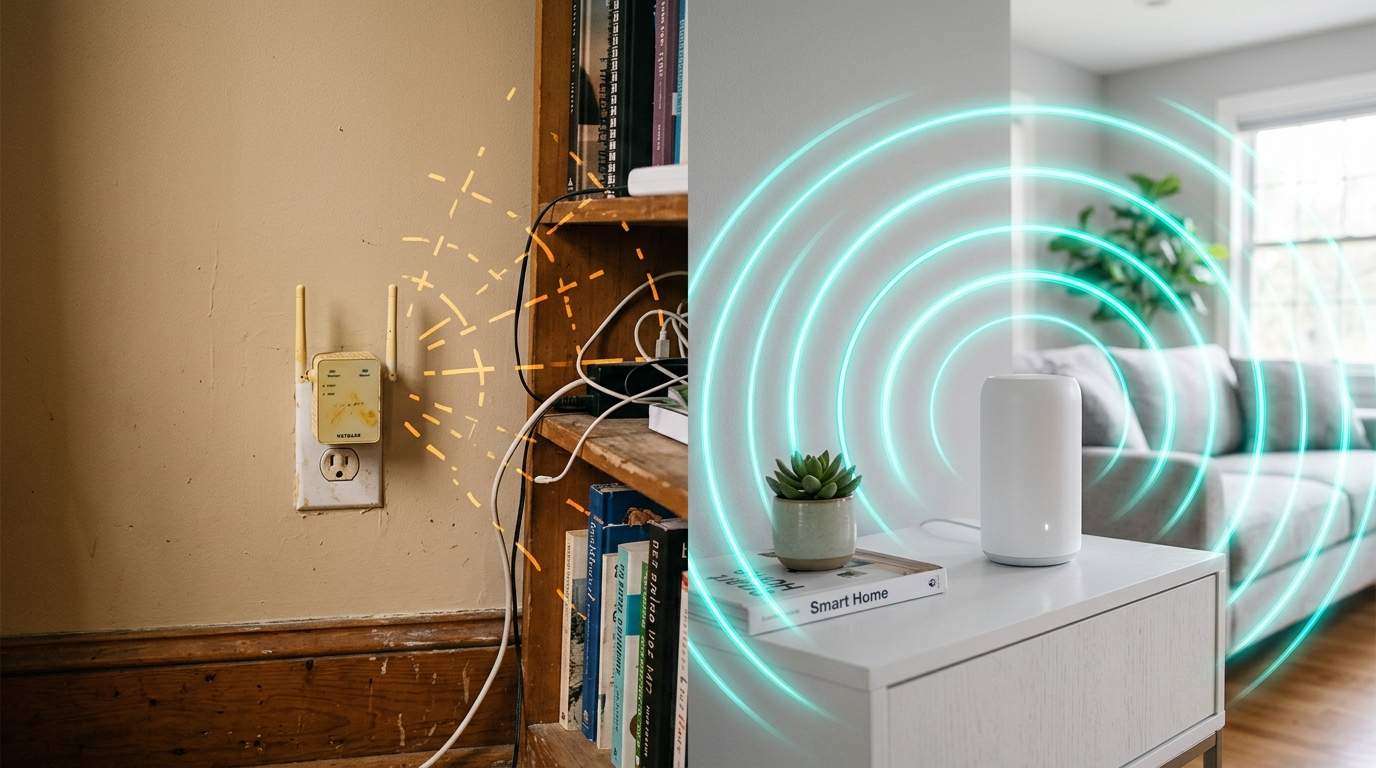
You've spent a fortune on a gigabit internet plan, the latest Wi-Fi 6E router, and a house full of smart gadgets. Yet, your 4K stream buffers in the bedroom, video calls drop in the home office, and your smart doorbell keeps going offline. "It must be my ISP!" you lament, or "I need an even faster Wi-Fi 7 router!" The crushing disappointment and wasted money from endlessly upgrading Wi-Fi hardware or internet plans, only to consistently suffer from unreliable connections, frustrating dead zones, and lost productivity or entertainment due to an unstable home network is a familiar tale. We're constantly sold the dream of an entirely wireless "smart home" where every device connects seamlessly via Wi-Fi. However, as an old hand in hardware, I'm here to tell you that this wireless-first mentality often leads to a fragile, frustrating network. The common sense pursuit of the latest Wi-Fi standards for everything overlooks the far more stable, cost-effective, and efficient solution: strategically integrating simple wired connections. This often provides a dramatically superior and truly "smarter" home network experience than endlessly chasing incremental wireless upgrades.
E.g. :Driverless Dreams: Who Bears the Unseen Price Tag of AI's Flaws?
- 1、The Wireless Dream: A Fragile Reality for Your Home Network
- 2、Beyond Wi-Fi 7: The Unsung Hero of Network Reliability - Ethernet
- 3、Strategically Wiring Your Smart Home: Where to Plug In
- 4、Bridging the Gaps: Smart Wiring Solutions
- 5、The Real "Smart" Home: A Hybrid Network Approach
The Wireless Dream: A Fragile Reality for Your Home Network
Think about it: Wi-Fi is essentially shouting your data across a crowded room. Every wall, every microwave, every neighbor's network is another voice in the clamor. While convenient, Wi-Fi, even the latest Wi-Fi 7, operates in a shared, unregulated radio spectrum. This means interference is a constant battle. That advertised "gigabit Wi-Fi speed" often translates to half, or even less, of that bandwidth for a single device, especially a few rooms away. You might have a 1 Gbps internet plan, but if your Wi-Fi struggles to deliver a consistent 200-300 Mbps to your streaming device, that 4K movie is still going to stutter.
The Latency Trap: More Than Just Speed
Speed (bandwidth) is one thing, but stability and responsiveness (latency) are another beast entirely. Imagine trying to have a conversation in a noisy stadium versus a quiet office. Wi-Fi's inherent "listen before talk" nature and susceptibility to interference mean higher latency and jitter – fancy words for delays and inconsistency. For critical tasks like video conferencing, online gaming, or even smart home devices that need quick responses, this isn't just an annoyance; it's a productivity killer. A dropped frame on a video call isn't because you lack speed, but because the connection lagged for a crucial millisecond.
Beyond Wi-Fi 7: The Unsung Hero of Network Reliability - Ethernet
Before Wi-Fi 7 promises to deliver even more wireless megabits, let's talk about the original heavyweight champion: Ethernet. A humble Ethernet cable offers a private, dedicated data lane for your devices. It's a direct, physical connection that's immune to most wireless interference, walls, or even the microwave nuking your popcorn. Plug in a simple Category 5e or 6 Ethernet cable, and your device gets a stable, full-duplex connection – usually 1000 Mbps (1 Gigabit) or even 2500 Mbps, consistently, without the drama of signal drops.
When Wi-Fi 7 Can't Fix Signal Loss
The hard truth is that Wi-Fi 7, with all its fancy new tech like MLO (Multi-Link Operation), still has to contend with physics. Radio waves get weaker over distance and when passing through solid objects. While it offers more robust connections and higher theoretical speeds, it can't magically make walls disappear or eliminate interference from dozens of other Wi-Fi networks in dense urban environments. If your Wi-Fi 6E router struggles to reach the far corner of your house, simply upgrading to Wi-Fi 7 won't solve the fundamental signal loss problem; it might just offer a slightly faster but still weak connection.
Strategically Wiring Your Smart Home: Where to Plug In
So, where should you start plugging things in? The goal isn't to eliminate Wi-Fi entirely, but to offload critical traffic and static devices. Think of it as giving your Wi-Fi a much-needed break.
- Your Main Streaming Box (Apple TV, Roku, Fire Stick): These devices are often consuming massive amounts of data for 4K video. A single 4K HDR stream can demand 25-50 Mbps. Wired connection ensures buffer-free binge-watching.
- Gaming Consoles (PlayStation, Xbox, PC): Latency is king for online gaming. Even a few milliseconds saved means a smoother, more competitive experience.
- Desktop PCs and Work Laptops: If you're working from home, especially with large file transfers, cloud backups, or video conferencing, a wired connection is non-negotiable for productivity.
- Smart Hubs (Philips Hue Bridge, SmartThings): Many of these devices still come with an Ethernet port for a reason – rock-solid stability for your entire smart ecosystem. If the hub goes down, so does your smart home.
- Network Attached Storage (NAS): If you're running a personal server or a central storage solution, direct wiring is essential for fast data access and backups.
Bridging the Gaps: Smart Wiring Solutions
"But I can't run Ethernet everywhere!" I hear you. And you're right. No one wants to rip open walls if they don't have to. Thankfully, there are clever ways to get wired reliability without a full re-wire.
Powerline Adapters: A Pragmatic Compromise
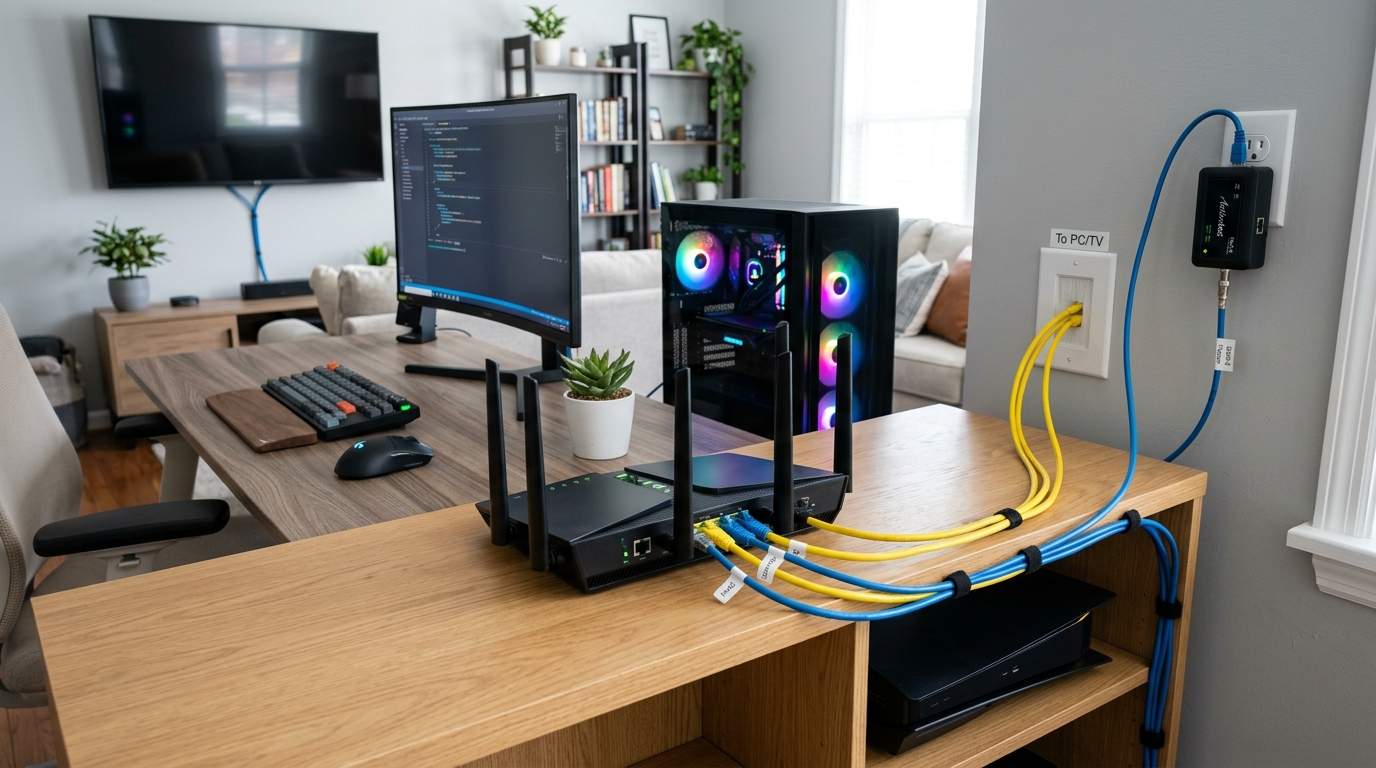
These devices use your home's existing electrical wiring to transmit network data. You plug one adapter into a wall socket near your router, connect it via Ethernet, and then plug a second adapter into a wall socket near your device in another room, connecting that device via Ethernet. It's not as fast or reliable as direct Ethernet (speeds can vary wildly depending on your home's electrical wiring quality and age, often ranging from 50-300 Mbps), but it's leaps and bounds more stable than a weak Wi-Fi signal for that distant TV or console. It's a great "good enough" solution for many.
MoCA: Your Coaxial Cable Secret Weapon
If your home has coaxial TV cable running to various rooms (and most do!), you have a hidden gem. MoCA (Multimedia over Coax Alliance) adapters turn your TV cable into a high-speed Ethernet backbone. With MoCA 2.5, you can get multi-gigabit speeds (up to 2.5 Gbps) – faster than most Wi-Fi and easily comparable to direct Ethernet, without running new wires. You just need a MoCA adapter at each end where you have a coax outlet. It's often overlooked but incredibly effective for dense homes where coax is already prevalent.
The Real "Smart" Home: A Hybrid Network Approach
The actual intelligence in a "smart home" isn't about everything being wireless; it's about making smart decisions on how devices connect. A truly efficient home network is a hybrid one: robust, reliable wired connections for your most demanding and static devices, complementing a well-placed Wi-Fi network for mobile devices, guests, and less critical gadgets. Stop chasing the next Wi-Fi number and start thinking about network architecture. Invest a little time and perhaps a modest sum in some cables and adapters, and you’ll find your "smart" home finally lives up to its name, returning technology to its rightful place: serving you without frustration.