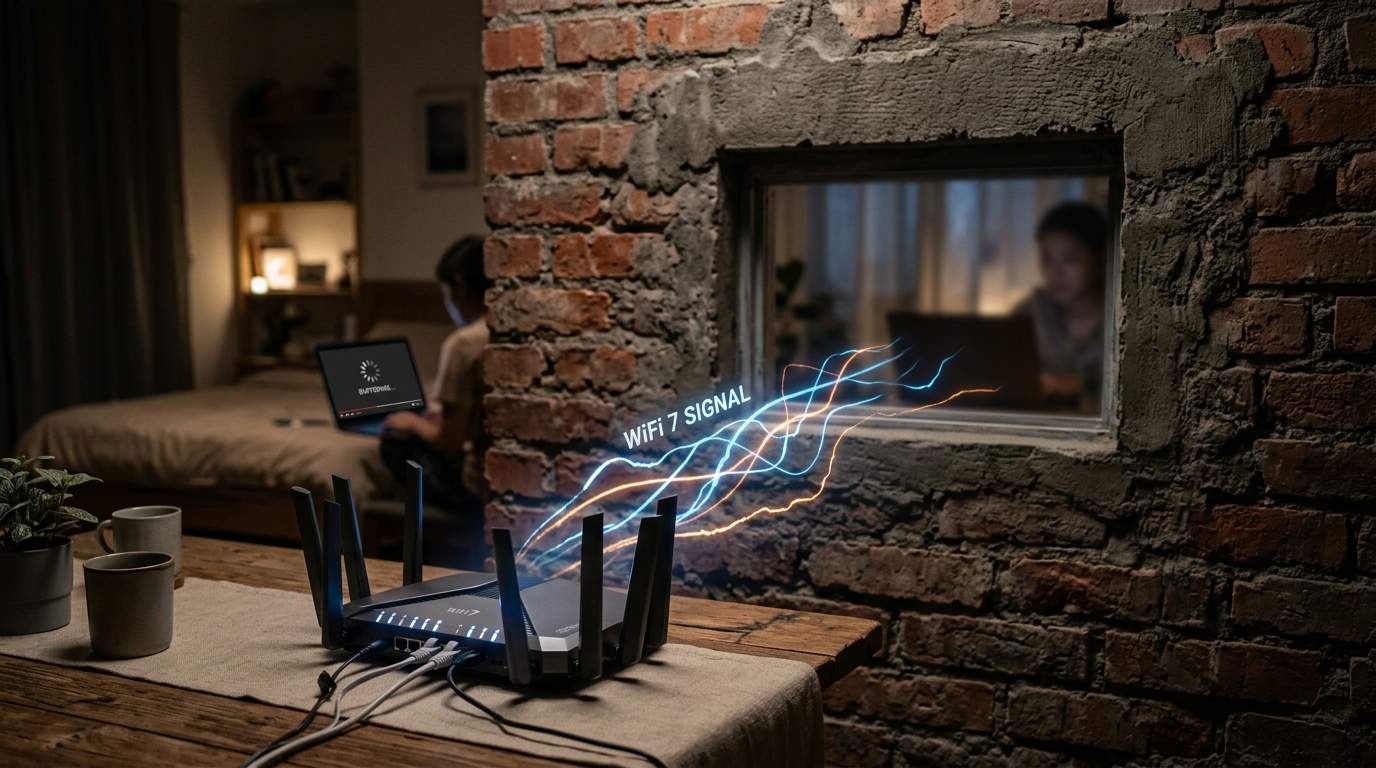
Ever felt that gut-punch frustration? You've just shelled out for fiber internet – the kind that promises to warp you into the digital future – and maybe even bought a shiny new Wi-Fi 6E router, ready to conquer the online world. Yet, the spare room remains a video call graveyard, Netflix buffers relentlessly upstairs, and downloading a simple file feels like watching paint dry. You curse your internet service provider (ISP), convinced they’re pulling a fast one, or perhaps that expensive new gadget is just a dud.
E.g. :Paying for Gigabit Internet? Your Wi-Fi Speed Has a Home Network Secret
- 1、The Ghost in Your Gigabit: Unmasking Wi-Fi's Invisible Enemies
- 2、Your Router's Hiding Spot: The Number One Wi-Fi Killer
- 3、The Silent Saboteurs: Decoding Wi-Fi Channel Interference
- 4、Beyond Placement: Smart Solutions for Stubborn Wi-Fi Dead Zones
You're not alone. This cycle of investing hard-earned cash in faster internet and cutting-edge hardware, only to be met with dead zones and buffering, cripples work-from-home productivity and steals your precious leisure time. It leaves you feeling helpless, ripped off, and wondering if technology is truly helping or just adding to the headache. But what if I told you the real culprit is often sitting right under your nose, quietly sabotaging your digital life? It’s rarely your ISP under-delivering, nor do you always need the absolute latest Wi-Fi 7 tech. More often than not, it’s about how and where your current gear is set up.
The Ghost in Your Gigabit: Unmasking Wi-Fi's Invisible Enemies
Imagine buying a sports car and only driving it in rush-hour traffic. That’s what many of us do with our home internet. You might have a "gigabit" connection, capable of downloading a full 4K movie in minutes. Yet, in reality, it feels like dial-up. The problem isn’t the car itself, but the road you’re on. Your home's layout, other devices, and even your router's humble position are far more potent speed killers than you realize. You could be paying for 1000 Mbps but consistently getting only 50 Mbps in your home office, all due to environmental factors that no amount of hardware upgrading alone will magically fix. It's about optimizing your current setup to truly unlock its potential.
Your Router's Hiding Spot: The Number One Wi-Fi Killer
We often treat our router like a dusty old dictionary, tucking it away in a cabinet, behind the TV, or in a far-flung corner. This, my friends, is digital blasphemy. Your router is the heart of your home network, tirelessly broadcasting data waves. Every wall, every appliance, every obstacle acts like a tiny bouncer, weakening that signal.
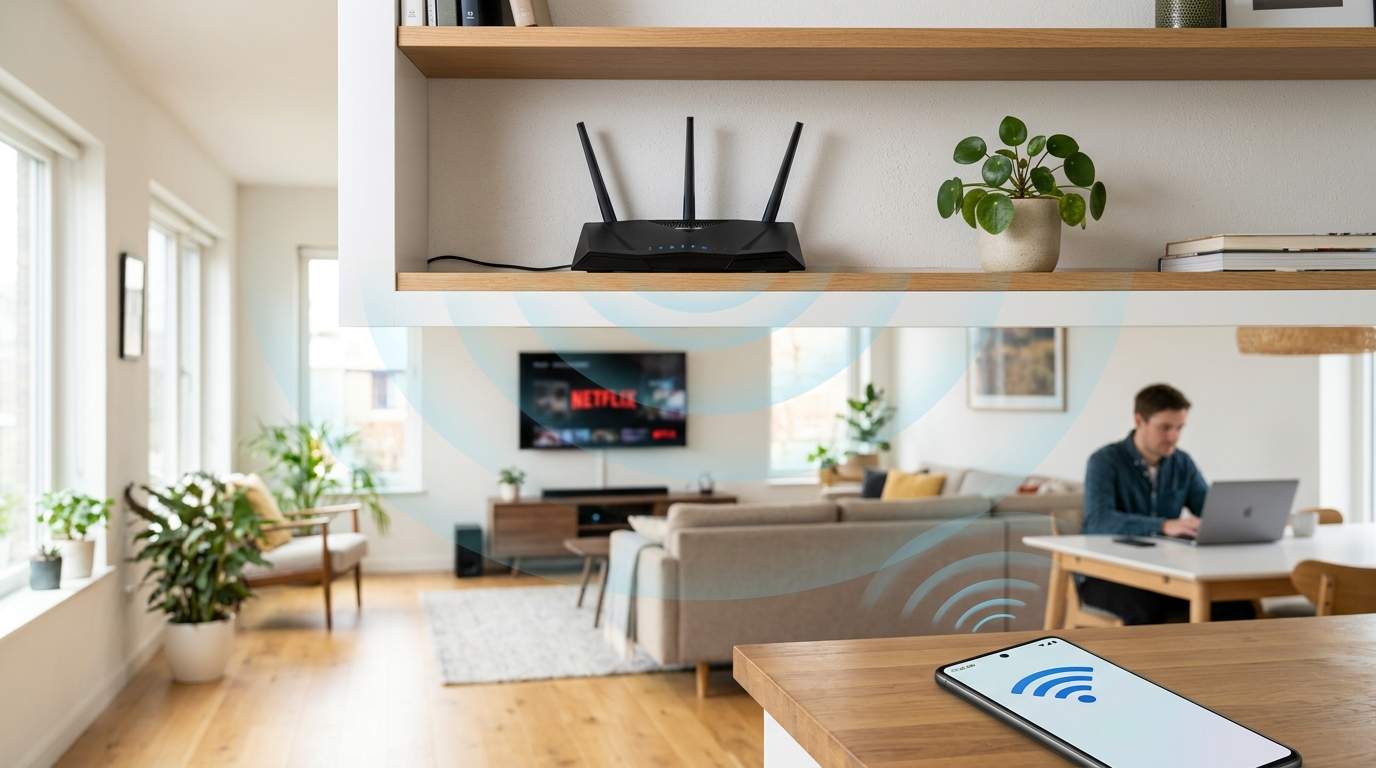
The Central Command Theory for Optimal Router Placement
Think of your router as a lighthouse. It needs to be in a prominent position to cast its light (your Wi-Fi signal) across the widest possible area. Placing it in a centralized location, rather than an exterior wall or tucked into a closet, significantly improves coverage. Studies show that a single thick brick wall can halve your Wi-Fi signal strength. If your router is tucked into a corner office, don't be surprised when the upstairs bedroom or the garage becomes a Wi-Fi dead zone. Moving it even a few feet can dramatically improve signal reception and thus, your perceived internet speed, especially for devices furthest away.
Elevated Expectations: Why Higher is Better for Wi-Fi Coverage
Gravity isn't just for apples; it's also a surprisingly good analogy for Wi-Fi. Signals tend to propagate downwards and outwards. Placing your router higher up – say, on a bookshelf or mounted on a wall – can help it clear obstacles like furniture and even pets, allowing the signal to spread more evenly throughout your home. In a two-story home, positioning the router on the main floor, slightly elevated, often provides better overall coverage than burying it in the basement or perching it on the top floor. Some users report up to a 30% improvement in overall signal reach by simply elevating their router to eye level or higher.
The Silent Saboteurs: Decoding Wi-Fi Channel Interference
Beyond physical obstructions, an invisible battle rages in the air around us: signal interference. Your Wi-Fi isn't the only thing using radio waves.
The Crowded 2.4GHz Band: Bluetooth, Microwaves, and Neighbors
The 2.4GHz band offers longer range and better penetration through walls, making it great for devices further away or in tricky spots like a basement. But it's also the wild west of radio frequencies. Your microwave oven, cordless phone, Bluetooth speakers, and even your neighbor's Wi-Fi can all jam this band. Imagine everyone on a single-lane road trying to merge at once – it's slow, frustrating, and prone to collisions. If your video call freezes every time you heat up popcorn, you've met 2.4GHz interference firsthand. Checking your router settings for less congested channels (e.g., 1, 6, or 11) using a simple Wi-Fi analyzer app can sometimes deliver a 15-20% speed bump for your devices.
The Speedy 5GHz Band: Less Congestion, Shorter Reach
The 5GHz band is like a multi-lane highway, offering significantly faster speeds and far less interference. This is where your 4K streaming and high-bandwidth gaming should live. The trade-off? Its signals don't travel as far and struggle to penetrate walls. If your device is two rooms away from the router, a 5GHz signal might drop off dramatically, leaving you with a weak connection or a dead zone. This band is perfect for devices closer to the router that demand high speed. A device struggling on 5GHz might actually perform better, even if slower, on a well-placed 2.4GHz connection due to better signal stability.
Beyond Placement: Smart Solutions for Stubborn Wi-Fi Dead Zones
Sometimes, even with perfect placement and channel optimization, your home's unique architecture (think concrete walls or large multi-story layouts) presents challenges. This is when you might need to consider network expansion.
Mesh Wi-Fi Systems: The Distributed Network Advantage
For larger homes or those with persistent dead zones, a Mesh Wi-Fi System can be a game-changer. Instead of one central router, multiple "nodes" work together to create a single, unified, and expansive Wi-Fi network. They offer seamless roaming as you move around your house – your phone automatically connects to the strongest node without you noticing a drop. They are fantastic for large, multi-story homes where every corner needs solid coverage for smart home devices, streaming, and work. However, they are a higher initial investment than a single router, and while they drastically improve coverage, they might not always deliver true gigabit speeds to every single node simultaneously. They are ideal for families with many connected devices across a large footprint, not necessarily for a small apartment.
Wi-Fi extenders and powerline adapters are also available, though generally less effective. Extenders often halve your speed, while powerline adapters rely on your home's electrical wiring, which can introduce its own noise and limitations. These are niche fixes, often best for very specific, small areas needing a boost, or for creating a single wired connection in a tricky spot.
So, before you lash out at your ISP or toss your perfectly good router, take a moment to be your own Wi-Fi efficiency mentor. Look at your router’s location, consider its surroundings, and understand the invisible forces at play. A little strategic thinking can save you money, frustration, and truly bring technology back to serving your life, not sabotaging it.