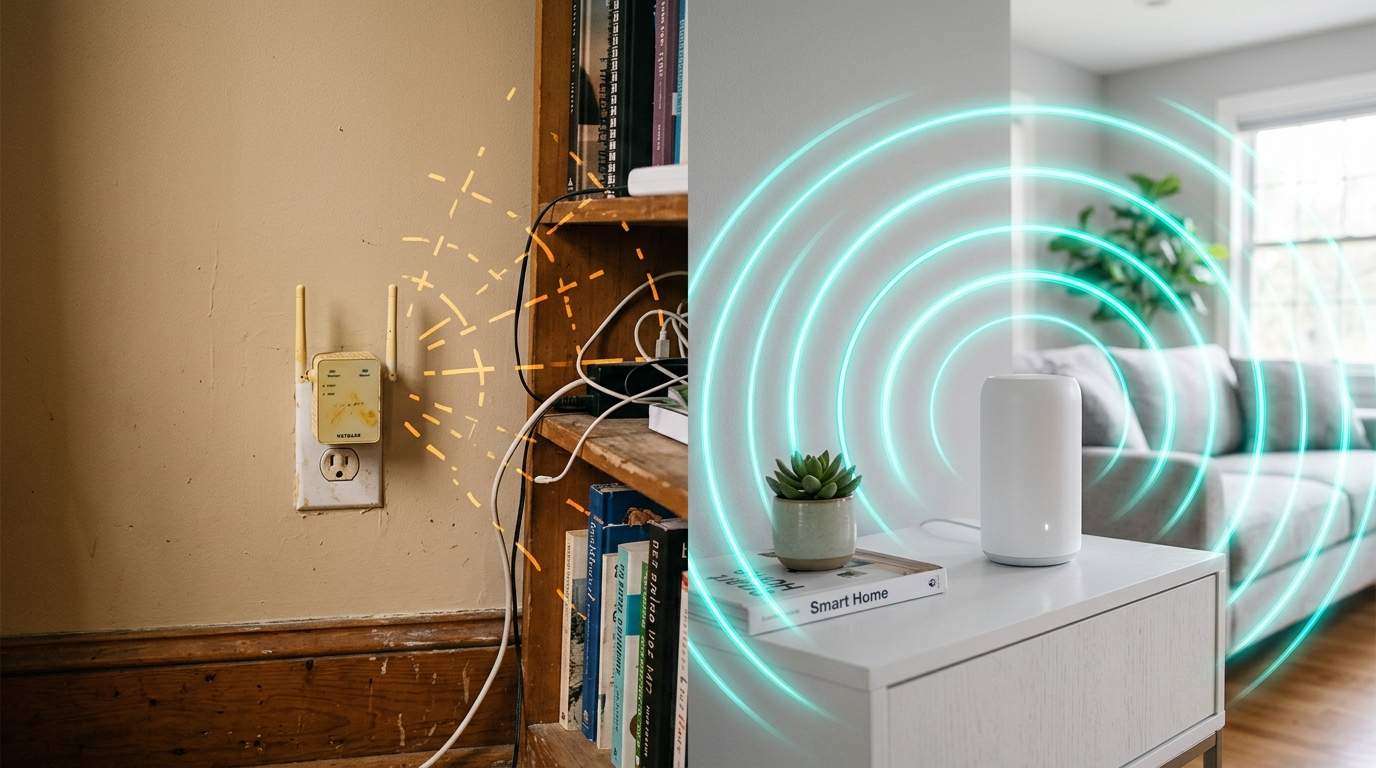
You've settled into your favorite armchair in the living room, ready to stream that new 4K movie or join an important video conference. Suddenly, the buffering wheel starts spinning relentlessly, or your call freezes mid-sentence. You walk two feet closer to your router, and magically, everything's perfect. You pay for blazing-fast internet, so why does your Wi-Fi feel like it's stuck in the dial-up era just a few walls away from the source? The crushing frustration of paying for a premium, high-speed internet plan only to discover its benefits vanish into thin air mere meters from your router, leaving you with unreliable Wi-Fi dead zones that cripple your streaming, gaming, and remote work setup despite your hefty monthly bill.
E.g. :Your Wi-Fi Extender: The Secret Villain Killing Your Home Network Speed
- 1、Your Gigabit Isn't Hitting the Mark: The Wi-Fi Dead Zone Dilemma
- 2、Decoding the Buffer Wheel: Latency vs. Bandwidth
- 3、The Unseen Saboteurs: Why Your Home Network Fails
- 4、Mesh Wi-Fi: The True Home Network Optimization Solution
- 5、Practical Steps for Boosting Your Wireless Performance
The widely accepted "common sense" dictates that if your internet is slow, you either need to upgrade your internet plan or buy the latest, most powerful single router. But this overlooks the fundamental reality that for most homes and offices, the distribution of Wi-Fi signal (coverage and signal strength) is a far greater bottleneck than raw internet speed (bandwidth) from your ISP. Throwing more speed at the problem won't fix poor router placement or structural interference, making that "Gigabit" plan an expensive placebo if your internal network isn't properly optimized. Let's cut through the noise and get your home network working for you, not against you.
Your Gigabit Isn't Hitting the Mark: The Wi-Fi Dead Zone Dilemma
You’re shelling out for a "Gigabit" internet plan, boasting speeds up to 1,000 Mbps, but the reality is you rarely see anything close to that outside of standing next to your router. A recent study by OpenSignal revealed that average Wi-Fi speeds are often a fraction of advertised broadband speeds, largely due to internal network inefficiencies. Imagine buying a supercar but only ever driving it in bumper-to-bumper traffic. Your internet speed is the supercar, but your home Wi-Fi is the traffic jam.
The issue isn't typically the pipe coming into your home; it's how that pipe's content gets distributed. If your family of four tries to stream 4K movies in separate rooms while one person is on a critical video call, your network needs to deliver stable, strong signals everywhere. A single router, no matter how powerful, struggles to push a robust signal through multiple walls, floors, and electrical interference. This often leads to "Wi-Fi dead zones" – areas where your expensive internet plan simply evaporates.

Decoding the Buffer Wheel: Latency vs. Bandwidth
Most people conflate "speed" with "bandwidth." Bandwidth is how much data can pass through your connection at once, like the number of lanes on a highway. A Gigabit plan gives you a massive highway. But latency is the time it takes for a data packet to travel from its source to its destination and back – essentially, how long it takes for a car to get from one end of the highway to the other. High latency means frequent stops and starts, even on an empty highway.
While a 4K video stream only needs about 25-50 Mbps of bandwidth, high latency (think anything over 50-100 milliseconds for gaming or video calls) will cause those infuriating buffer wheels and dropped connections, regardless of your gigabit bandwidth. Your internet plan guarantees a wide highway, but it doesn't guarantee smooth, uninterrupted traffic flow within your home. Optimizing your internal "road network" for low latency is paramount for a seamless experience.
The Unseen Saboteurs: Why Your Home Network Fails
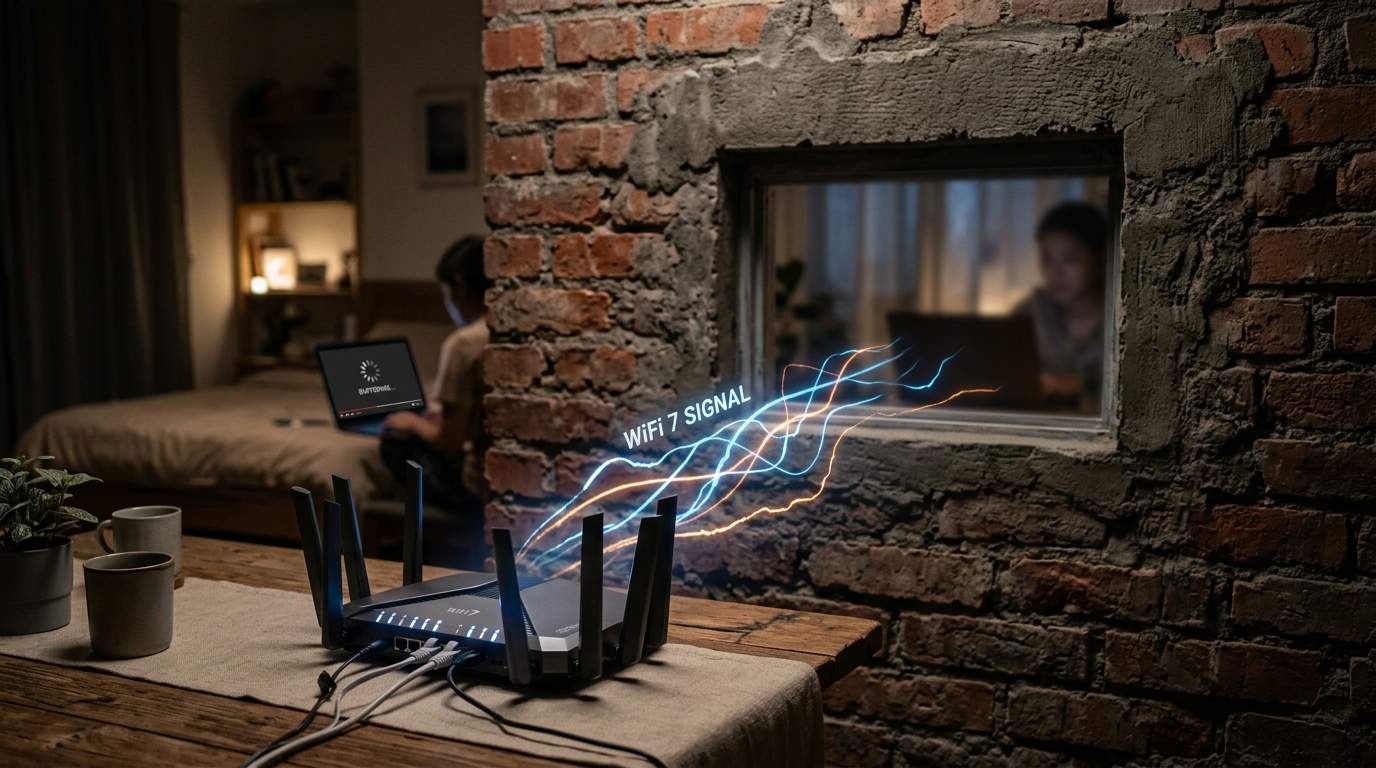
Many common household items and architectural features are silent killers of your Wi-Fi signal. Your router, often a sleek box, is an antenna, and its signal can be easily blocked or absorbed. For example, reinforced concrete walls can reduce signal strength by up to 90%, effectively turning a 1000 Mbps signal into a paltry 100 Mbps or less on the other side.
Single Router's Achilles' Heel: Range and Obstacles
Placing your router in a closet, a corner, or next to major appliances like microwaves (which emit on the same 2.4GHz frequency) is like trying to shout instructions from inside a soundproof box. The signal struggles to penetrate. In a typical multi-story home, a single router on the ground floor might provide stellar Wi-Fi there, but upstairs or in the basement, devices will be constantly battling weak signals, leading to frustrating disconnects and slow speeds. This isn't a problem with your internet; it's a problem with your Wi-Fi's ability to reach you.
Mesh Wi-Fi: The True Home Network Optimization Solution
If your single router isn't cutting it, a Mesh Wi-Fi System is often the most pragmatic and efficient upgrade for modern homes. Instead of one central router battling obstacles, a mesh system uses multiple "nodes" strategically placed around your home. These nodes communicate with each other, creating a single, seamless, and much larger Wi-Fi network under one name.
The biggest pro is truly comprehensive wireless performance, eliminating dead zones and providing consistent speed throughout your entire living space. Setup is usually straightforward, and management is often done via a user-friendly app. The main con is a higher initial investment compared to a single router. However, for large homes (over 1,500 sq ft), multi-story dwellings, or those with dense building materials, a mesh network is a game-changer. It's not suitable for a tiny apartment where a single, well-placed router can cover everything adequately, or if your internet plan is less than 100 Mbps (where the bottleneck is raw speed, not distribution).
Practical Steps for Boosting Your Wireless Performance
Before you splurge on new hardware, try these immediate fixes:
- Router Placement: Move your existing Wi-Fi router to a central, open location in your home, ideally elevated. Avoid placing it near large metal objects, concrete walls, or electromagnetic interference sources like microwaves.
- Firmware Updates: Regularly check for and install firmware updates for your router. Manufacturers often release updates that improve performance, stability, and security.
Beyond the Box: Software and Firmware Updates
Ignoring these updates is like driving a car without regular maintenance. Outdated firmware can lead to security vulnerabilities and suboptimal performance, making your "fast" internet feel sluggish. Setting your router to auto-update, if available, is a smart move. If these steps don't resolve your Wi-Fi woes, then it's time to consider a dedicated mesh Wi-Fi system. It’s an investment in distribution, not just raw speed, ensuring your gigabit internet actually delivers on its promise, everywhere you need it.
In conclusion, your Gigabit internet is only as good as the Wi-Fi network distributing it. Stop throwing money at raw bandwidth when the real problem lies in your home's wireless coverage and optimization. Invest in intelligent distribution, and finally, let technology serve your quality of life and productivity, not hinder it.
**