Ah, the familiar dance. You’ve just forked over good money for that shiny "Gigabit Internet" plan, dreaming of buttery-smooth 4K streams and lightning-fast downloads. Yet, here you are, stuck in a buffering limbo, the dreaded "Reconnecting…" message mocking your investment during a critical video call. It feels like a scam, doesn't it? Like your internet service provider (ISP) has sold you a lemon. But what if I told you the problem often isn't the firehose of data coming into your house, but the tangled garden hose of your internal Wi-Fi network?
E.g. :The Cloud's Digital Ghost: Are We Paying for Our Own AI Reflection?
- 1、The Gigabit Illusion: Bandwidth vs. Throughput Realities
- 2、Router Placement: The Digital Feng Shui of Your Home Network
- 3、Outdated Hardware: Is Your Wi-Fi Speaking Ancient Languages?
- 4、Mesh Wi-Fi: The Smart Solution for Expansive Spaces
- 5、Home Network Optimization: Beyond the Basics
As someone who's spent years dissecting hardware and untangling digital headaches from factory floors to living rooms, I’ve seen this movie countless times. The global market is saturated with "fastest ever" claims, but true efficiency lies not in chasing raw numbers from your ISP, but in understanding how technology actually serves your real-world needs. Let's unpack why your Wi-Fi still stutters, and how to become your own network efficiency mentor.
The Gigabit Illusion: Bandwidth vs. Throughput Realities
You’ve been sold on bandwidth – the maximum theoretical capacity of your internet connection. Think of it as the total number of lanes on a highway. Gigabit Internet (1 Gbps or 1000 Mbps) is like having a 10-lane superhighway leading right to your front door. Impressive, right? But the moment that data hits your home Wi-Fi, it’s like trying to funnel all those lanes into a single-lane dirt road.
Your Wi-Fi's Unsung Bottlenecks
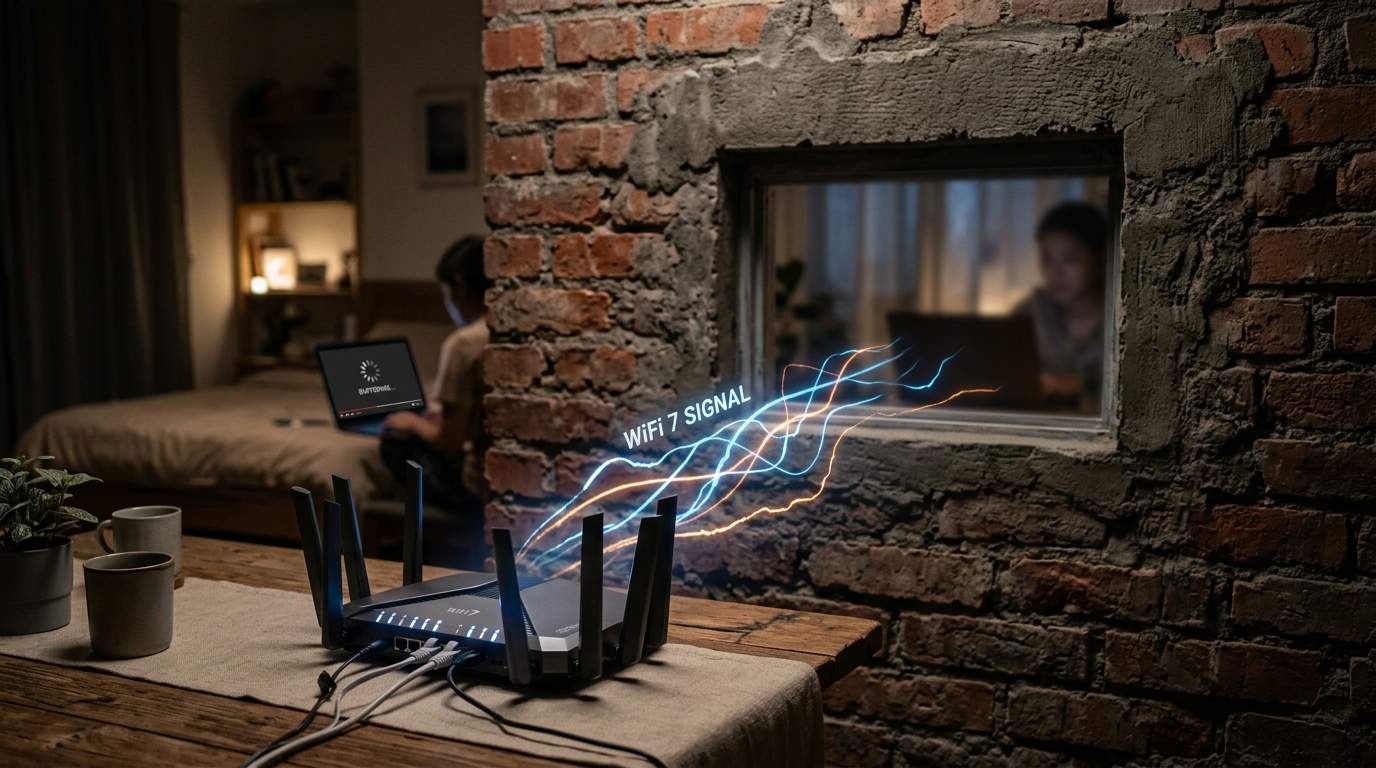
This "dirt road" is your actual throughput – the data that genuinely reaches your device. We see customers consistently paying for 500Mbps or 1Gbps, only to find their devices struggling to pull more than 50-100Mbps over Wi-Fi in certain rooms. This isn't a problem with the ISP's highway; it's a traffic jam inside your house, caused by everything from outdated gear to invisible signal blockers.

Router Placement: The Digital Feng Shui of Your Home Network
Location, location, location isn't just for real estate; it's paramount for your Wi-Fi. Many people tuck their router away in a closet, behind a TV, or in the basement utility room because it's "out of sight." This is a cardinal sin of Router Placement. Think of your Wi-Fi signal like a light bulb: it radiates outwards, but walls, floors, and even large appliances cast shadows.
A router needs to be centrally located, elevated, and free from obstructions to broadcast its signal effectively. Imagine trying to illuminate an entire house with a lamp hidden in a cupboard – it simply won't work. Placing your router strategically can instantly boost Signal Strength by 20-30% in dead zones without buying a single new piece of hardware. A central hallway on the main floor, perhaps.
Outdated Hardware: Is Your Wi-Fi Speaking Ancient Languages?
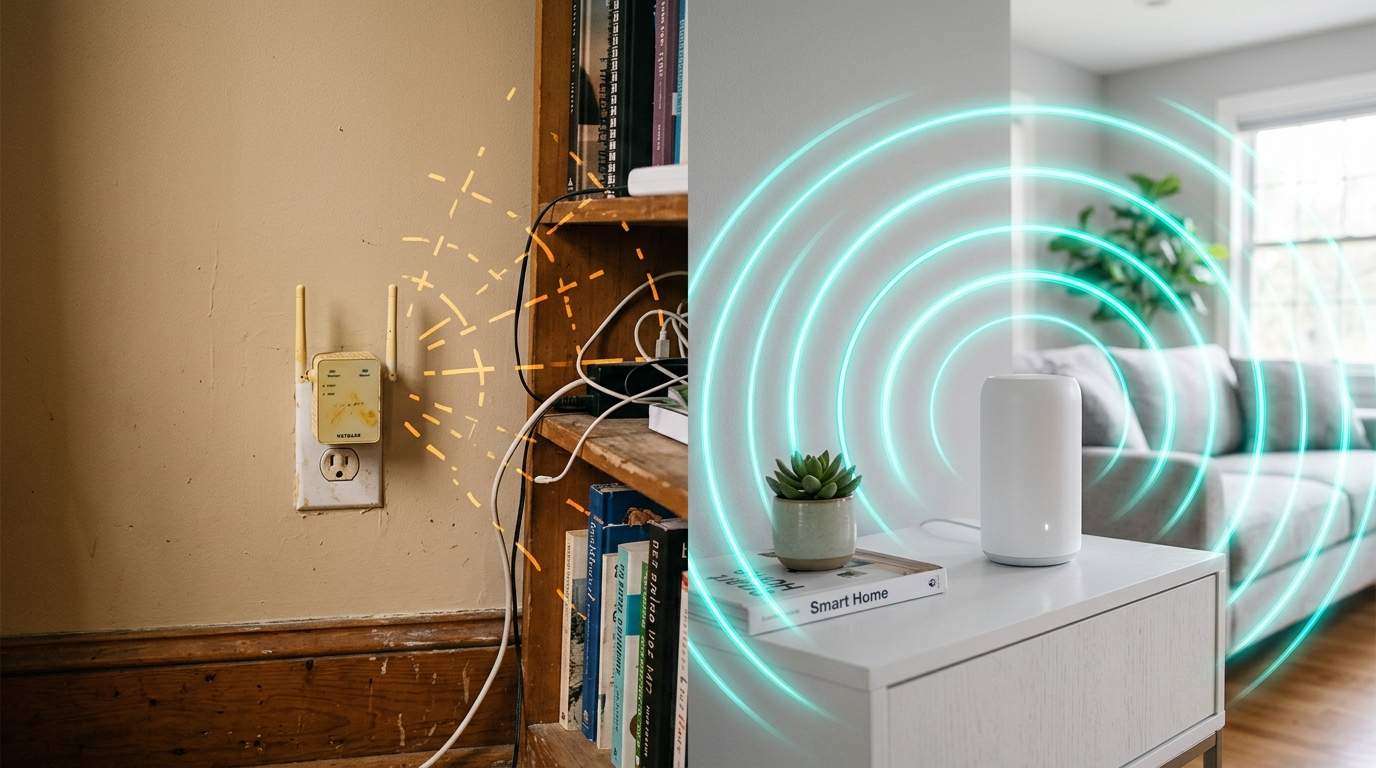
The tech world moves fast. That router you got from your ISP five years ago might still work, but it's likely using older Wi-Fi standards like Wi-Fi 4 (802.11n) or Wi-Fi 5 (802.11ac). If you're paying for gigabit speeds, you absolutely need a router that speaks the modern language: Wi-Fi 6 (802.11ax) or even Wi-Fi 6E.
Wi-Fi 6 isn't just about raw speed; it's about efficiency. It allows multiple devices to communicate with the router simultaneously, like a skilled air traffic controller managing dozens of planes taking off and landing, rather than making them wait in a queue. This drastically reduces Network Latency and improves overall performance, especially in busy households with many connected gadgets. Without Wi-Fi 6, your shiny new phone or laptop is like a sports car stuck in rush hour traffic.
Mesh Wi-Fi: The Smart Solution for Expansive Spaces
For larger homes, multi-story buildings, or spaces riddled with thick walls, a single, powerful router often isn't enough. That's where Mesh Wi-Fi systems come in. Traditional Wi-Fi uses a single point of access; mesh systems create a unified network using multiple nodes scattered throughout your home. They communicate with each other, extending seamless coverage everywhere.
The Power of Ethernet Backhaul
While mesh systems are fantastic, their performance hinges on how well those nodes talk to each other. For the absolute best performance, especially with high-speed internet, connecting your mesh nodes via Ethernet Backhaul is a game-changer. This means running an Ethernet cable between the main router and satellite nodes. This dedicated wired connection prevents Wi-Fi slowdowns between nodes, ensuring maximum speed delivery to every corner. It's the difference between delivering packages via drone and using a dedicated express lane.
Home Network Optimization: Beyond the Basics
Beyond hardware, smart Home Network Optimization involves a few less-obvious steps. Are you using a 2.4GHz or 5GHz band? The 2.4GHz band offers wider coverage but slower speeds and is prone to interference from microwaves and Bluetooth. The 5GHz band is faster but has a shorter range and struggles with walls. Many modern routers offer "band steering" to automatically pick the best option, but sometimes manual selection helps.
Also, consider devices that can be wired. Smart TVs, gaming consoles, desktop PCs – if they don't move, plug them in! An Ethernet connection is always faster, more stable, and more secure than Wi-Fi, freeing up your wireless bandwidth for truly mobile devices. This isn't about promoting specific products; it's about making your existing infrastructure work harder and smarter for you.
Don't let the marketing buzzwords fool you. Your truly "fast" internet experience isn't just about what your ISP promises; it's about the intelligence of your home network setup. Invest wisely in strategic placement, modern hardware, and smart optimization, and you'll finally get the smooth, reliable connection you paid for, letting technology truly serve your life, not frustrate it.