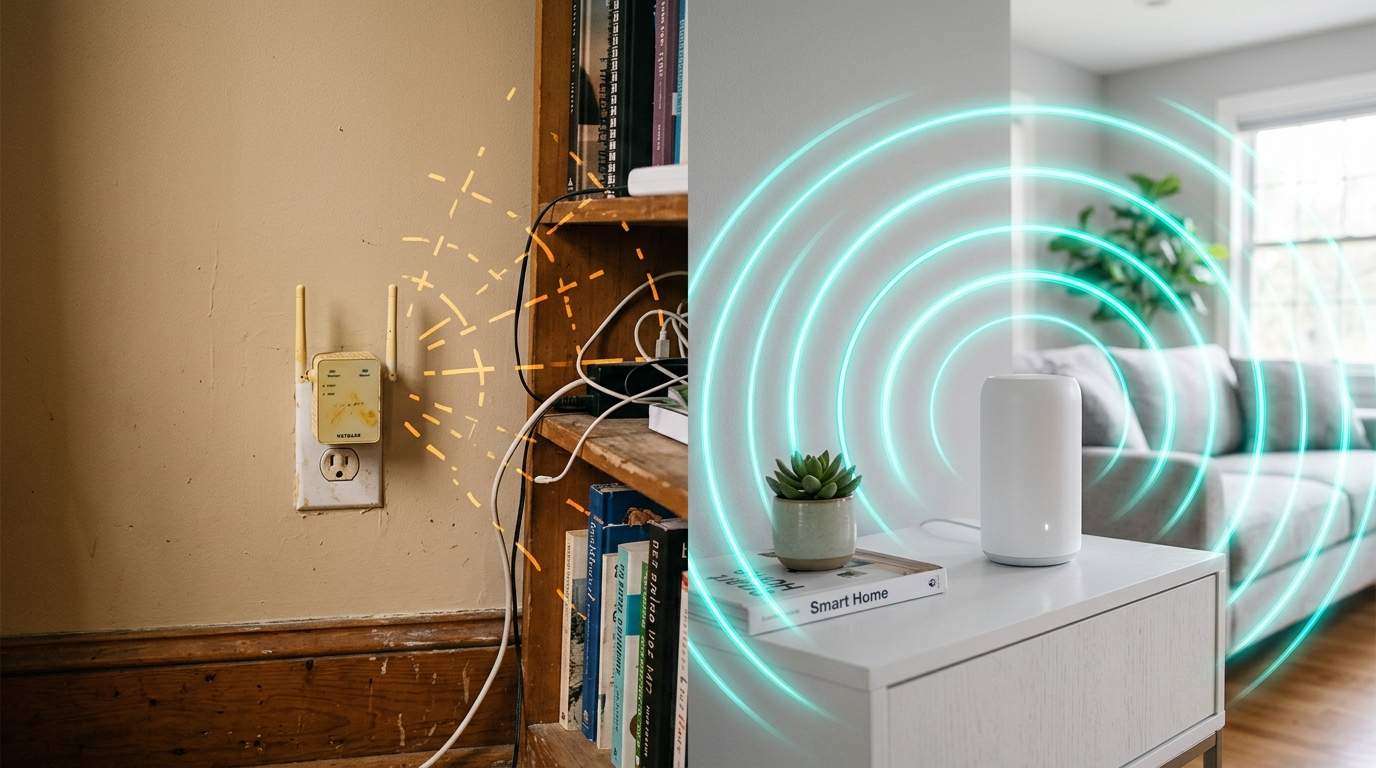
Every evening, the scene repeats: your smart lights stutter before dimming, the security camera feed freezes just as you check on your furry friend, and Netflix decides buffering is the new plot twist right at the climax. You’re paying for a fast internet plan, but your Wi-Fi feels like it's trudging through mud, especially since you added those new smart plugs and voice assistants. What gives?
E.g. :Generative AI's Unseen Toll: Is 'Free' Creativity Truly Free?
- 1、The Invisible Traffic Jam: Why Your Home Network Suffers
- 2、More Than Just Bandwidth: Latency and Stability Killers
- 3、Identifying the Culprits: Who's Hogging Your Wi-Fi?
- 4、Reclaiming Your Wi-Fi: Smart Strategies for a Smarter Home
- 5、Your Efficiency Mentor's Take: Balance is Key
The truth is, your desire for a smarter home might be secretly suffocating your internet. We're sold on the dream of effortless living through interconnected gadgets, but the increasing army of "smart" IoT devices is silently saturating your home network's capacity. They're like dozens of tiny, digital roommates, each hogging a bit of bandwidth, introducing delays, and making your entire internet experience worse for critical tasks like streaming, gaming, and those all-important video calls.
The Invisible Traffic Jam: Why Your Home Network Suffers
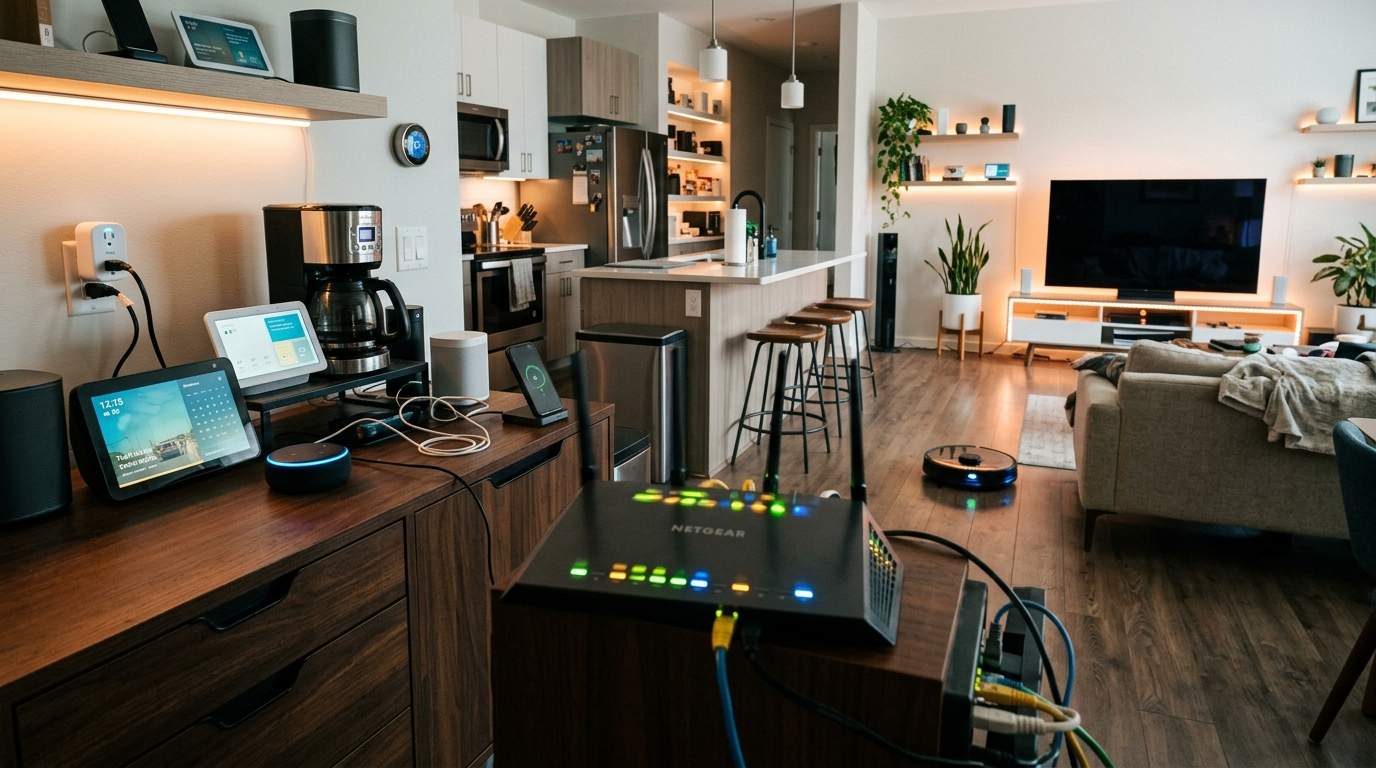
Think of your home Wi-Fi as a highway. Initially, it was a wide-open road for a few cars – your laptop, perhaps a smartphone. Now, with every smart bulb, thermostat, door sensor, and talking speaker, you've added hundreds of tiny mopeds, bicycles, and even pedestrians to that same highway. Each one wants to communicate, even if it's just a tiny "I'm still here!" signal. Suddenly, the highway is gridlocked.
Authoritative data suggests that the average household now has well over 10 connected devices, a number projected to surge past 20 by 2025. Each device, even when seemingly idle, contributes to network chatter. A smart security camera might constantly upload small bursts of data, while your smart TV streams 4K video, demanding a hefty 25-50 megabits per second (Mbps). Multiply that by several devices, and your humble router, bless its blinking lights, starts feeling the pressure. It’s not just about raw speed from your internet provider; it's about the internal traffic management within your home.
More Than Just Bandwidth: Latency and Stability Killers
It's not always about outright slow downloads. Sometimes, your internet feels "choppy" or "unresponsive." This is often due to increased latency – the delay in data traveling from one point to another – and reduced network stability. For critical tasks like a business video call, latency can turn a smooth conversation into a frustrating lag-fest of frozen faces and echoing voices.
Imagine you're having a conversation. If there's a 100-millisecond delay after every word, it becomes incredibly difficult to communicate effectively. Your smart home devices introduce these micro-delays, not always noticeable on their own, but cumulatively, they can turn a stable network into a jittery mess. This is particularly true for older Wi-Fi standards or when devices are constantly re-transmitting data because of interference.
The Silent Scream: How Too Many Connections Overwhelm Your Router
Your wireless router isn't just a signal broadcaster; it's a mini-computer. It has a processor, memory, and a finite capacity to manage simultaneous connections. Most standard consumer routers are designed to handle 20-30 active devices comfortably. When you start pushing 40, 50, or even 100 smart gadgets (yes, some homes reach this!), your router’s internal "brain" gets overloaded. It spends more time managing connections and less time efficiently moving your actual data. The result? Slower response times, dropped connections, and that nagging feeling that your Wi-Fi is just "off."
Identifying the Culprits: Who's Hogging Your Wi-Fi?
Not all smart devices are created equal when it comes to network impact. Many older IoT gadgets still rely on the more crowded 2.4 GHz Wi-Fi band, which offers wider range but less speed and is prone to interference from microwaves, cordless phones, and even your neighbor's Wi-Fi. Your brand-new laptop might be on the zippier 5 GHz band, but if your 20 smart bulbs, 5 smart plugs, and doorbell camera are all fighting for space on 2.4 GHz, that band becomes a bottleneck for everything trying to use it.
Consider this: a simple smart light bulb usually uses very little data. But if it's constantly checking in, updating firmware, or experiencing poor signal, it can consume more precious "airtime" than its data payload suggests. Compare this to a gaming console or a 4K streaming device that demands a steady, high-bandwidth connection. The cumulative effect of many small, chatty devices can be just as detrimental as one bandwidth hog.
Reclaiming Your Wi-Fi: Smart Strategies for a Smarter Home
It's not about ditching your smart home; it's about smartening up your home network. The first step is often to segment your network. Many modern routers allow you to set up a separate "Guest Wi-Fi" network. While primarily for visitors, you can leverage this to quarantine your less critical IoT devices. This keeps them isolated from your main network where your work laptop and streaming devices reside, reducing potential congestion and security risks. For the more technically inclined, Virtual Local Area Networks (VLANs) offer even finer control, creating truly separate network zones.
Upgrading your router to a more robust model or investing in a Mesh Wi-Fi system can also make a huge difference. Mesh systems spread the Wi-Fi signal more effectively across your home, creating multiple access points that can handle more devices with less strain on any single unit. This is particularly useful in larger homes or those with many Wi-Fi dead zones.
Beyond the Band: Upgrading Your Network's Brain
When considering a new router or mesh system, look beyond just the advertised "gigabit" speeds. Focus on its processing power (CPU), RAM, and the number of antennas (MIMO technology). Routers with stronger internal components are better equipped to manage dozens of simultaneous connections and prioritize traffic. For example, a modern Wi-Fi 6 (802.11ax) router is designed to handle multiple devices much more efficiently than older standards, using technologies like OFDMA to serve several devices simultaneously on the same channel, reducing airtime contention.
Your Efficiency Mentor's Take: Balance is Key
Smart home devices offer undeniable convenience, from setting the perfect mood lighting to enhancing security. That's their strength. Their weakness, however, lies in their collective demand on your finite home network resources if not managed thoughtfully. For most of us, mindlessly adding more gadgets without considering our network's capacity will lead to frustration, not efficiency.
The target audience for a truly smart home, one that actually improves life, is not the gadget hoarder, but the mindful user. Prioritize devices that genuinely add value. Invest in a network infrastructure – be it a better router or a mesh system – that can actually support your digital ecosystem. It’s not about buying more internet speed from your ISP; it's about making the internet you already have work smarter and more reliably by managing your smart home's network footprint. Let technology serve you, not slow you down.